Running a restaurant used to mean one thing: good food, full tables, happy guests.
But somewhere along the way, it became something else entirely.
Inventory spreadsheets. Staff schedules on paper. Reports you pull manually at midnight. A system that crashes right when you need it most. You are stuck in between, so instead of actually running the restaurant, you are managing this mess.
It happens because the tools are old. The process is slow. And the owner? Always the last one to know when something goes wrong.
That is exactly where cloud-based POS systems change everything.
Think of it like this: old restaurant systems are like a walkie-talkie. A cloud-based system is your smartphone. Same job. Everything connected. Full control. From anywhere.
No hardware. No installation. No technician on speed dial.
This guide breaks down exactly what cloud-based restaurant POS systems are, what they do, and why you should ditch the old one.
Because managing a restaurant should not feel this hard. With the right system, it will not.
What is a cloud-based restaurant POS system?
Now, you might be confused about what a cloud based pos systems for restaurants actually is. Let us explain it.
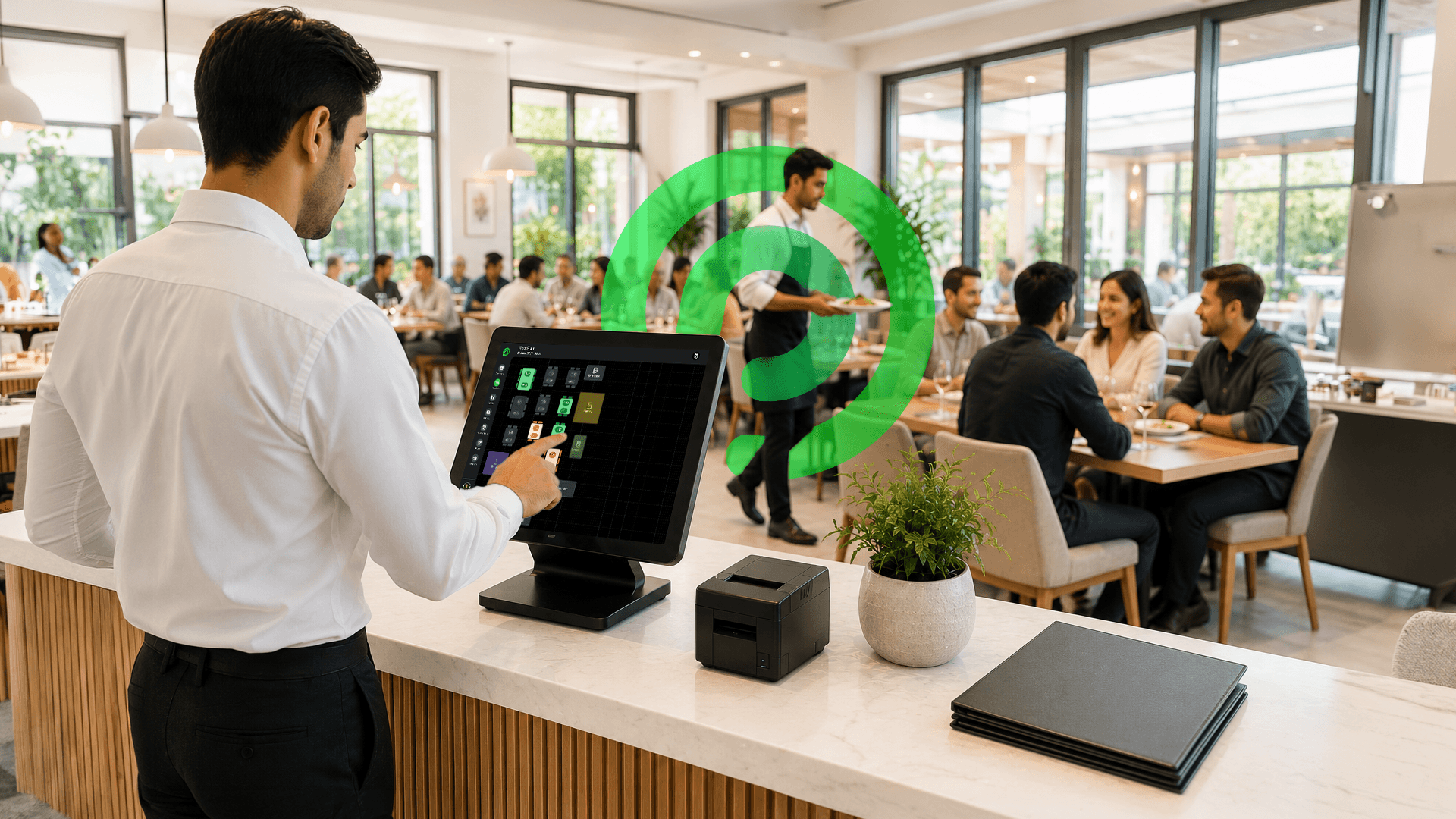
It is basically software that helps restaurants manage operations like billing, inventory, online orders, staff, and reports from one dashboard using the internet.
On any device without needing a physical POS terminal. You can use it on a phone, a tablet, or a computer. No need to install any devices or instruments to run the software.
The biggest difference? All the data is stored on the cloud, which means restaurant owners can access operations from anywhere.
Most restaurant owners do not struggle because of food quality. They struggle because operations become messy as the business grows. Missed orders, inventory confusion, and slow reporting.
A good cloud-based restaurant management system fixes that by keeping the entire operation organized, faster, and easier to control from one dashboard.
In simple words, it helps restaurants run more smoothly and faster.
Cloud-Based vs Traditional System: Quick Comparison
| Feature | Cloud-Based | Traditional |
|---|---|---|
| Hardware needed | No | Yes |
| Access from anywhere | Yes | No |
| Auto updates | Yes | No |
| Setup time | Minutes | Days or Weeks |
| Upfront cost | Low | High |
The main difference is flexibility. Cloud-based restaurant POS systems are easier to access, easier to maintain, and easier to scale as the business grows.
Why You Should Switch to a Cloud-Based POS System in 2026
Restaurant technology has changed fast in the last few years.
What worked for restaurants five or ten years ago simply cannot keep up with how modern operations run today. From delivery apps to multi-location management, restaurant owners now need systems that are faster, smarter, and easier to manage.
Modern cloud-based restaurant POS systems are helping restaurants adapt to these changing demands more efficiently.
Here are the main four reasons that make you reconsider keeping your old system.
Rising hardware costs
Traditional POS systems need expensive hardware, servers, and regular maintenance. That means higher operating costs that keep adding up month after month.
Need for remote access
Owners want to track sales, orders, and staff performance from anywhere without being physically at the restaurant. If you have multiple locations, remote access is not optional. It is a must.
Real-time data demand
Restaurants cannot wait until closing time for reports anymore. Live data helps owners make faster decisions during busy hours, not after the shift is already over.
Post-pandemic shift in restaurant operations
Online ordering, delivery apps, and contactless payments became a normal part of restaurant operations after the pandemic. Cloud-based restaurant POS systems make all of those workflows much easier to manage in one place.
Restaurants in 2026 are not just looking for billing software anymore. They are looking for systems that help them stay faster, organised, and more profitable in a very competitive market.
Key Features to Look for in a Cloud-Based Restaurant POS System
Picking a cloud-based restaurant POS system without knowing what to look for is like hiring a chef without checking their cooking. Looks good on paper. Falls apart when it matters.
So before you commit to anything, here is exactly what a good cloud system should have.
1. Real-Time Reporting and Analytics
Are you still making decisions based on gut feeling? Not anymore. A good cloud system gives you 30+ reports covering everything from daily sales and staff performance to inventory consumption and online order trends. Once the shift ends, the numbers are already there.
2. Menu Management
Menus change all the time. Items sell out, prices change, and specials get added. A cloud system should let restaurants update menus everywhere in real time, including POS, QR ordering, kiosks, and delivery apps. Because customers hate ordering something that is unavailable.
3. Inventory Management
Most inventory loss happens quietly. Over-portioning, waste, missing stock, and manual mistakes slowly eat into profits. A good inventory system tracks stock in real time and connects it directly with sales. That is how cloud-based restaurant POS systems help restaurants control food costs properly.
4. Shift Scheduling and Timekeeping
Bad scheduling creates stress fast. Too many staff hurts labour costs. Too few staff slows service. Smart scheduling tools help manage shifts, attendance, overtime, and staff communication without constant confusion.
5. Kitchen Display System (KDS)
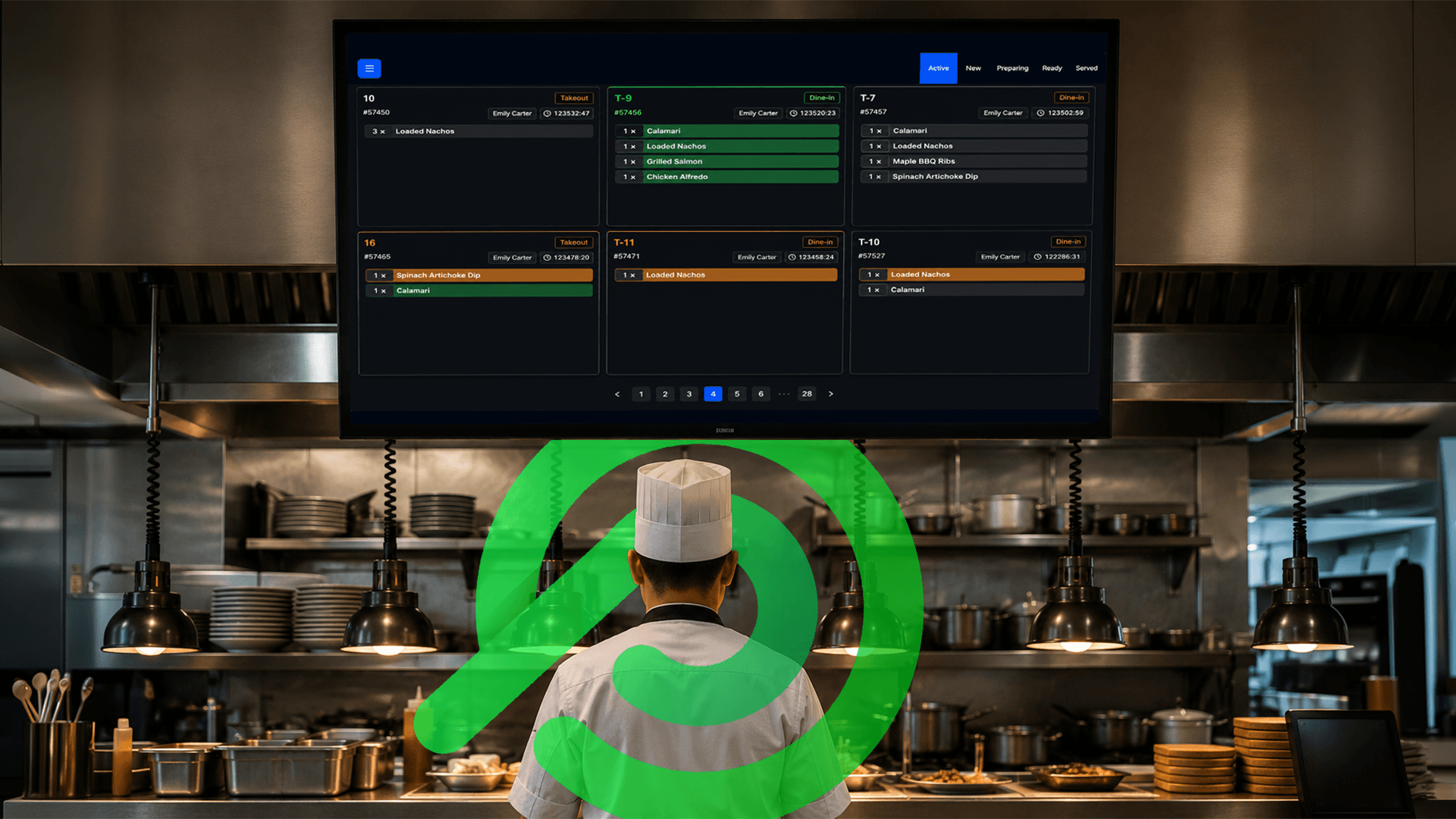
Paper tickets slow kitchens down. Orders get lost, handwriting gets misread, and rush hours become messy. A Kitchen Display System keeps orders organised digitally and improves communication between the front and back of house, especially during busy service hours.
6. Online Delivery and Takeout Management
Delivery chaos is real. Multiple tablets, missed orders, delayed pickups. It quickly becomes hard to manage. A cloud system should bring all delivery and takeout orders into one dashboard so staff can work faster and make fewer mistakes.
7. Floor Plan Management
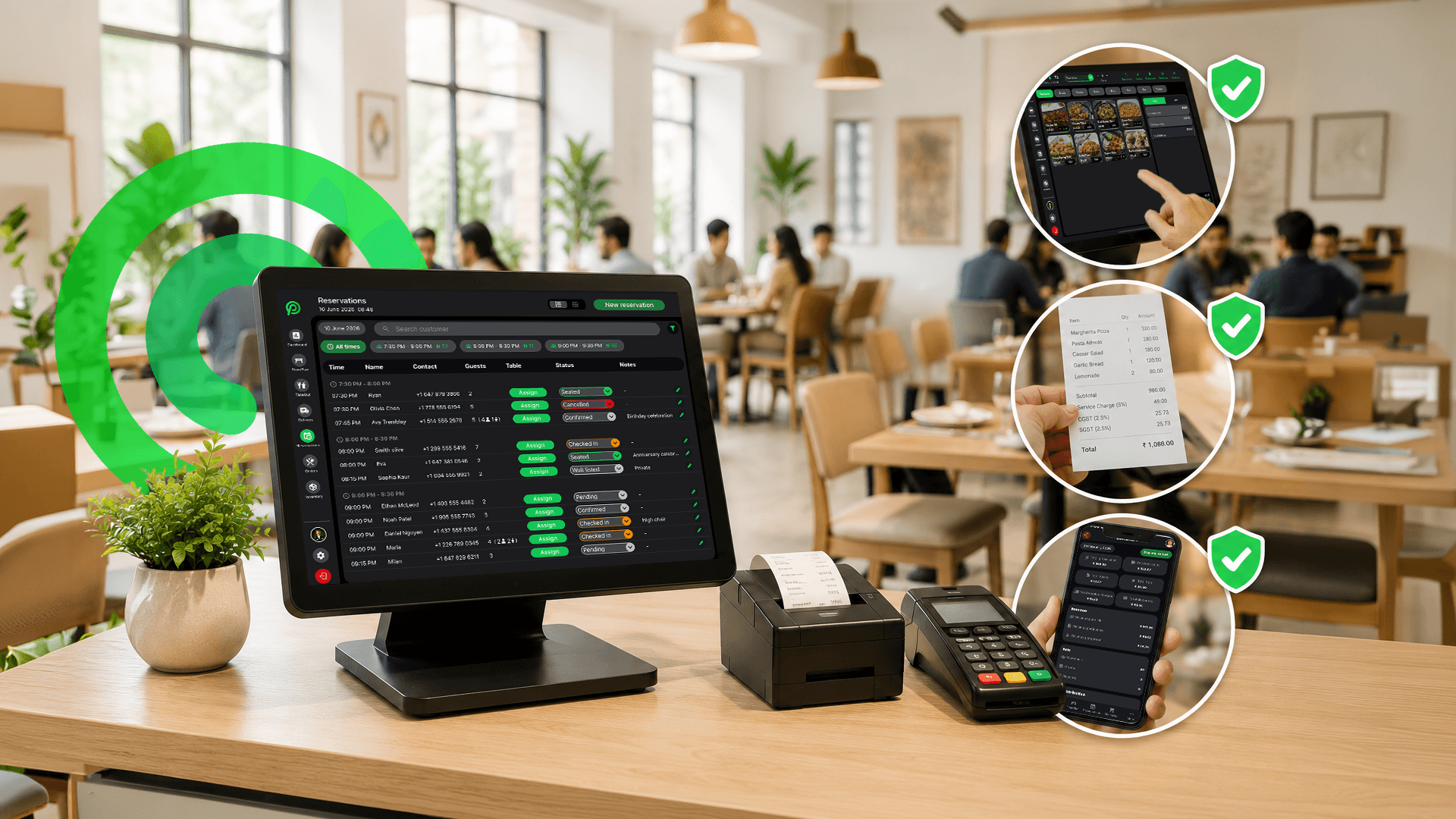
Table flow affects revenue more than most owners realise. Poor seating management creates longer wait times and slower table turnover. Digital floor plans help staff manage reservations and seating more efficiently during rush hours.
8. Digital Receipts and Split Bill
Customers expect faster checkout now. Digital receipts and split bill options make payments smoother for both guests and staff. Reducing paper receipts also cuts unnecessary costs over time.
9. SMS Alerts and Live Dashboard
Owners should not need to stand inside the restaurant all day to know what is happening. Live dashboards and alerts help track sales, staff activity, and operational issues in real time. Small problems get fixed faster when visibility is clear.
10. User Management and Multi-Location Control
Not every employee should have the same access. Role-based permissions help protect reports, settings, and operational data. And for multi-location restaurants, centralised control makes operations much easier to manage.
Which Type of Restaurant Benefits the Most?
The truth is, there is no one type of restaurant that needs a cloud-based restaurant POS system. Any restaurant dealing with orders, staff, inventory, and customer rush can benefit from it.
But some restaurant models feel the impact much faster than others.
Full-Service Restaurants
Full-service restaurants handle a lot at once: table management, kitchen coordination, split bills, reservations, and staff communication. Without a connected system, service slows down quickly during rush hours. Cloud systems help keep the floor, kitchen, and billing running together instead of separately.
Quick-Service Restaurants
Speed matters in QSRs. A few extra minutes during peak hours can create long lines, delayed orders, and frustrated customers. A cloud based pos system helps manage faster billing, kitchen flow, delivery orders, and real-time reporting without slowing operations down.
Bars and Lounges
Bars deal with fast-moving orders, tabs, split payments, and late-night rushes. Tracking inventory manually in bars usually creates losses very quickly. A good cloud system helps control stock movement, manage tabs properly, and reduce billing mistakes during busy nights.
Fine Dining
In fine dining, experience matters just as much as food. Slow service, billing delays, or kitchen confusion immediately affect customer perception. Cloud-based restaurant POS systems help staff stay organised while keeping service smooth and professional behind the scenes.
Fast Casual
Fast casual restaurants sit in the middle of speed and experience. They usually manage dine-in, takeout, online orders, and delivery together. A cloud system helps bring everything into one workflow so teams do not feel overloaded during busy hours.
Cafes and Bakeries
Cafes and bakeries deal with fast transactions, repeat customers, and daily inventory movement. Tracking popular items, managing fresh stock, and speeding up checkout become much easier with a connected system, especially during morning rushes where every second matters.
At the end of the day, the restaurants that benefit the most are usually the ones trying to simplify daily operations and reduce manual work.
How Your Restaurant Data Stays Safe in the Cloud
Switching to cloud-based restaurant POS systems sounds great, until someone asks: but is my data safe?
Fair question. And honestly, it is the one most restaurant owners forget to ask before signing up for any software. So let us talk about it straight.
Cloud Encryption
Every piece of data, orders, payments, staff info, and reports, is encrypted the moment it leaves your device. Think of it like a locked box that only your system can open. Even if someone intercepted it midway, they would get nothing useful. That is the point.
User Access Permissions
Not everyone on your team needs access to everything. A cashier does not need to see payroll. A new hire does not need to touch your reports. User management lets you control exactly who sees what, by role, by location, by function. One owner. Full control.
PCI Compliance
Any restaurant handling card payments should take PCI compliance seriously. It helps protect customer payment information and reduces payment-related security risks. Most owners do not think about this until something goes wrong.
At the end of the day, security is not just about protecting data. It is about protecting daily operations, customer trust, and the business itself.
How to Switch to a Cloud System Without Affecting Your Restaurant
Security sorted. Data protected. Now the question every owner asks next: okay, but how do we actually switch without everything falling apart?
Valid concern. Switching systems mid-operation is like changing a tyre while the car is still moving. It can go wrong if you rush it. But done right, it is smoother than most owners expect.
Here is exactly how to do it.
Step 1: Audit Your Current System
Before touching anything new, look honestly at what you have. What is working? What keeps breaking? What are you manually doing that a system should be handling? Write it down. That list becomes your benchmark and will tell you exactly what you are switching away from and why, before moving to a modern cloud-based restaurant POS system.
Step 2: List Your Must-Have Features
Every restaurant has non-negotiables. Maybe it is real-time inventory. Maybe it is multi-location visibility. Maybe it is just a scheduler that does not crash every Monday morning. Know your top five before you evaluate anything. Do not get distracted by flashy features you will never use.
Step 3: Run a Trial During Slow Hours
Never test a new system during peak hours. Run trials during slower shifts first so staff can get comfortable without the pressure of rush-hour traffic. This helps catch small operational issues early before full rollout.
Step 4: Train Staff Before Go-Live
Most system failures are actually training failures. If staff do not understand workflows properly, operations slow down immediately. Simple hands-on training before launch makes the transition much smoother for everyone.
Step 5: Monitor the First 30 Days With Reports
The first few weeks matter the most. Watch reports closely: sales flow, inventory movement, voids, refunds, delivery timing, and staff usage. Small adjustments during the first month usually make the biggest long-term difference.
Switching systems is not the scary part. Staying on a broken one is. And once you are through these five steps, you will wonder why you did not do it sooner, which is exactly what most owners say after they make the move.
Common Mistakes to Avoid When Choosing a Cloud System
Switching the right way matters. But so does picking the right system in the first place.
Here is what to watch out for.
Choosing Based on Price Alone
The cheapest option rarely stays cheap. Low upfront cost often means missing features, hidden fees, or a system you will outgrow in six months. Buy for value, not just the number on the invoice, especially when comparing different cloud-based restaurant POS systems.
Not Checking Integration With Delivery Apps
If your cloud system does not talk to DoorDash, Uber Eats, or whatever platform you are on, you are back to managing two systems separately. Always confirm integrations before you commit.
Ignoring Multi-Location Needs
Even if you are running one location today, think about where you are headed. Switching systems again when you open a second location is expensive and disruptive. Pick something that grows with you.
Skipping the Free Trial
A demo looks good. Real life looks different. Always run a proper trial with real orders, real staff, and real scenarios. That is the only honest test.
Not Asking About Customer Support
Something will go wrong. It always does. The question is, who picks up when it does? Response time, availability, and support quality matter more than most owners realise until they actually need help at 7 PM on a Saturday.
Avoid these five and you are already ahead of most.
Why Platter Is Built for Modern Restaurants
A lot of cloud systems were built for every business. Platter was not.
Platter was built specifically for North American restaurants, the real pace, the real operational pressure, and the real daily problems restaurant owners deal with every single shift. As one of the modern cloud-based restaurant POS systems, Platter is designed to simplify operations without adding complexity.
No hardware headaches. No complicated installation. No waiting for technicians.
Just log in and start running operations from day one.
Orders, inventory, staff schedules, reports, delivery management, floor plans, everything works together in one dashboard. And that matters more than most owners realise. That is why more restaurants are moving toward integrated cloud-based restaurant POS systems that keep every part of the business connected.
Because restaurants do not fail from one big problem. They struggle with small operational problems happening all day at the same time. Late orders. Inventory waste. Scheduling confusion. Slow reporting. Missed delivery tickets.
Platter helps simplify all of it.
And when something goes wrong, because it always does, support actually picks up. Real people. Fast responses. Because during dinner rush, nobody has time to wait 48 hours for a support ticket reply.
At the end of the day, restaurants run on two things: good food and systems that do not slow the team down.
The food part is already handled. Now it is about running the business with less stress, better visibility, and fewer operational headaches behind the scenes. That is exactly where cloud-based restaurant management systems make the biggest difference.
Are you still on the old way?
If yes, now you know what to do. Take a look at what Platter actually does, see it running in real time, and decide for yourself. No pressure. No long sales call. Just a free demo that shows you exactly what your restaurant could look like with the right system behind it.

Ready to simplify?
See Platter in action
30-min demo. No commitment. See exactly how it fits your restaurant.
Book a Demo