Most POS systems out there will hand you a list of 50 features like it is a flex.
But be honest, do you actually know which ones your restaurant needs?
Because picking a POS without knowing the right features is like hiring a full kitchen staff when you only run a food truck. Overkill. Expensive. And honestly, confusing.
You want features that you need just at the sweet spot, not more nor less.
But here is the problem.
Most restaurant owners either buy too much and use too little, or they go cheap, miss one key feature, and pay for it every single service.
Think of POS features like tools in a kitchen. A good chef does not need every gadget in the store. They need the right ones, sharp, reliable, and actually built for how they cook.
That is what this blog is about.
This blog breaks down the restaurant POS system features that actually move your business forward, and calls out the ones that are just there to make the pricing look worth it.
Let us get into it.
Why POS Features Matter More Than Ever in 2026
Labor is expensive. Customers are impatient. And your competition is running leaner than ever. The restaurants surviving are not lucky; they picked better tools.
Rising Labor Costs: Minimum wage hikes are not stopping. Every minute your staff spends manually tracking hours, counting stock, or writing down orders is a minute you are overpaying for something a restaurant POS system features should already be doing.
Multi-Channel Ordering Growth: Dine-in, takeout, delivery, all hitting at the same time, from different places. Without one system connecting all three, orders fall through the cracks, and your kitchen runs on chaos instead of clarity.
Higher Customer Expectations: A wrong order or a fumbled bill split used to be forgiven. Not anymore. Customers have zero patience for operational errors because they have experienced too many businesses that get it right.
Need for Real-Time Business Visibility: Finding out Friday was a bad night on Monday morning means you have already lost the chance to fix it. Live data tells you what is going wrong while there is still time to course correct.
Automation in Daily Operations: Reservation confirmations, low stock alerts, clock-in reminders, none of this needs a human doing it manually. Automating the small stuff quietly saves hours every week that go straight back into running your floor.
So, in 2026 it is high time for you to opt for not just the tool but restaurant POS system features that automate your operation and cut out your manual labour.
The Features That Run Your Front of House
The front of house is where your guests see everything. One slow moment, one wrong order, one confused server and the whole experience falls apart.
These are the restaurant POS system features that keep your floor running without you having to babysit every table.
Order Management
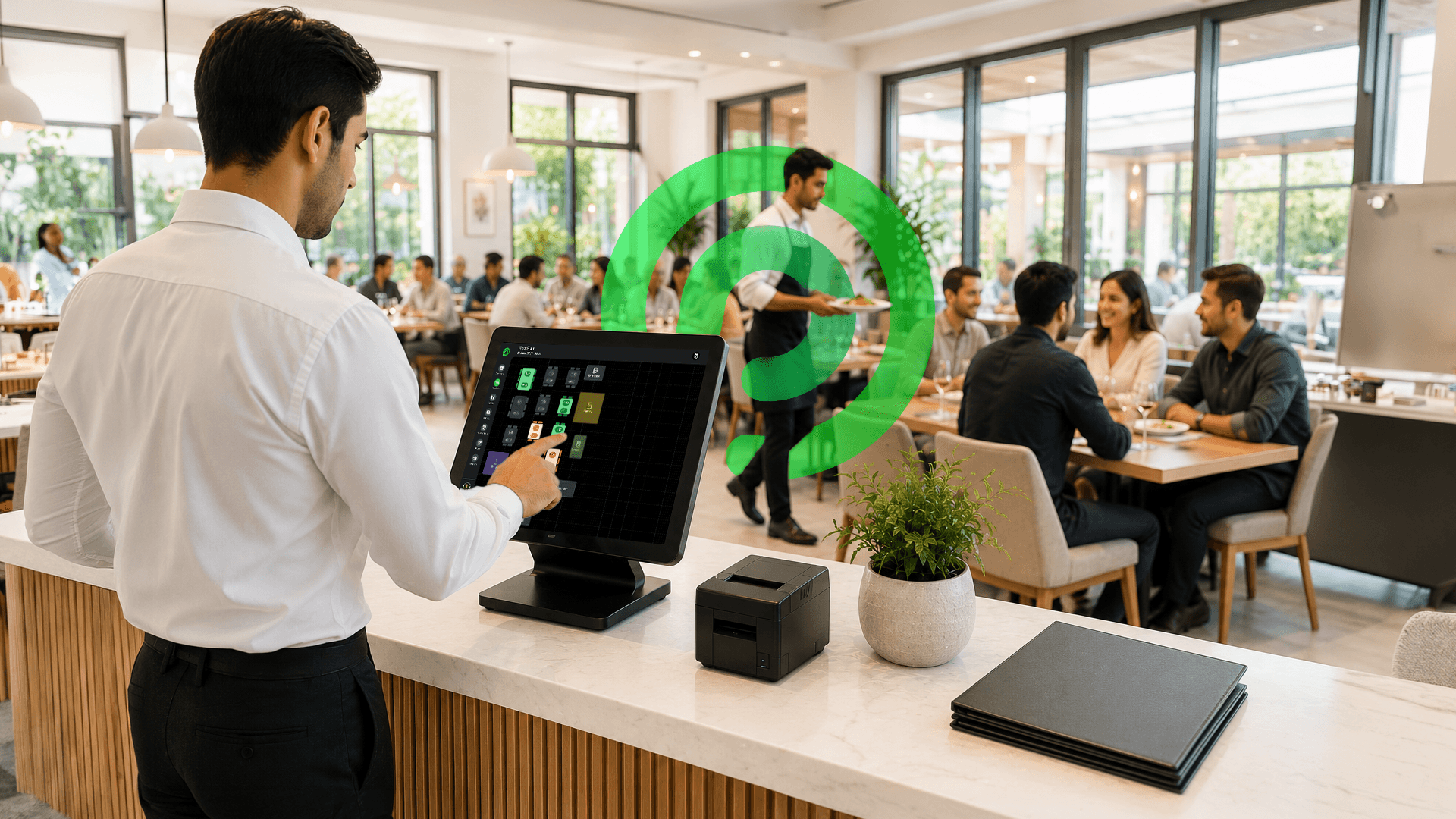
Every tap goes straight to the kitchen, no shouting, no lost tickets, no "I thought you said no onions." Orders go in fast, come out right, every single time.
Table Management
The guest moved to a bigger table? Two groups want to sit together? Clear, merge, or transfer any table in seconds.
Floorplan Management
See your entire dining room on one screen: which tables are occupied, which are free, and which need attention. No walking around counting heads.
Reservation Management
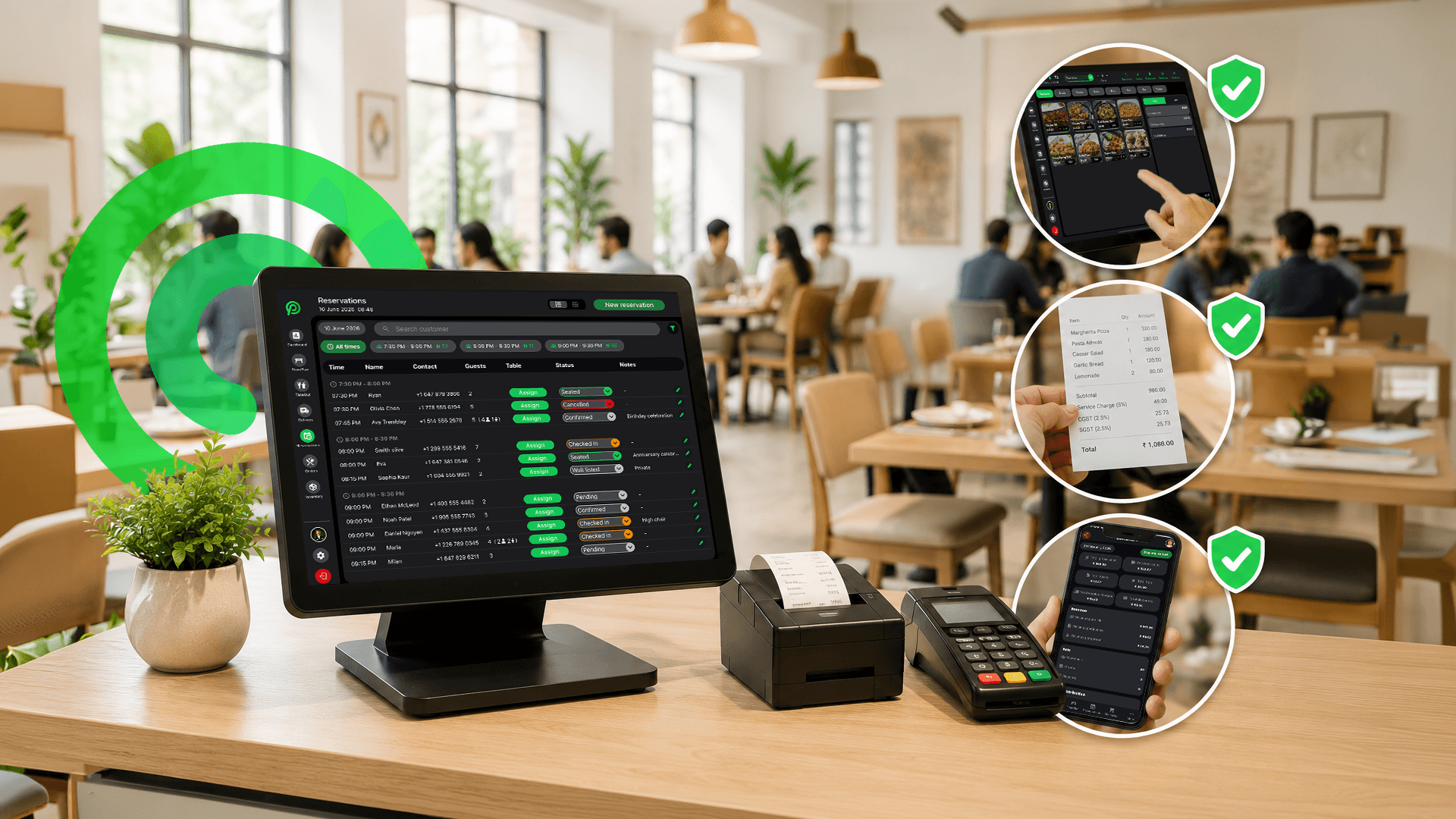
When a booking comes in, it shows up directly on your floorplan in real time. No sticky notes, no double bookings, no "we did not know you were coming" moments.
Split Bill
Some guests split equally. Some split by item. Some make it complicated. Let them; the POS handles it in a few taps, so your server is not standing there doing math under pressure.
The Features That Keep Your Kitchen Honest
Front of house took the order. Now the kitchen has to deliver. This is where things go wrong if the right tools are not in place: wrong items, missed tickets, outdated menus. These two restaurant POS system features make sure none of that happens.
Kitchen Display System (KDS)
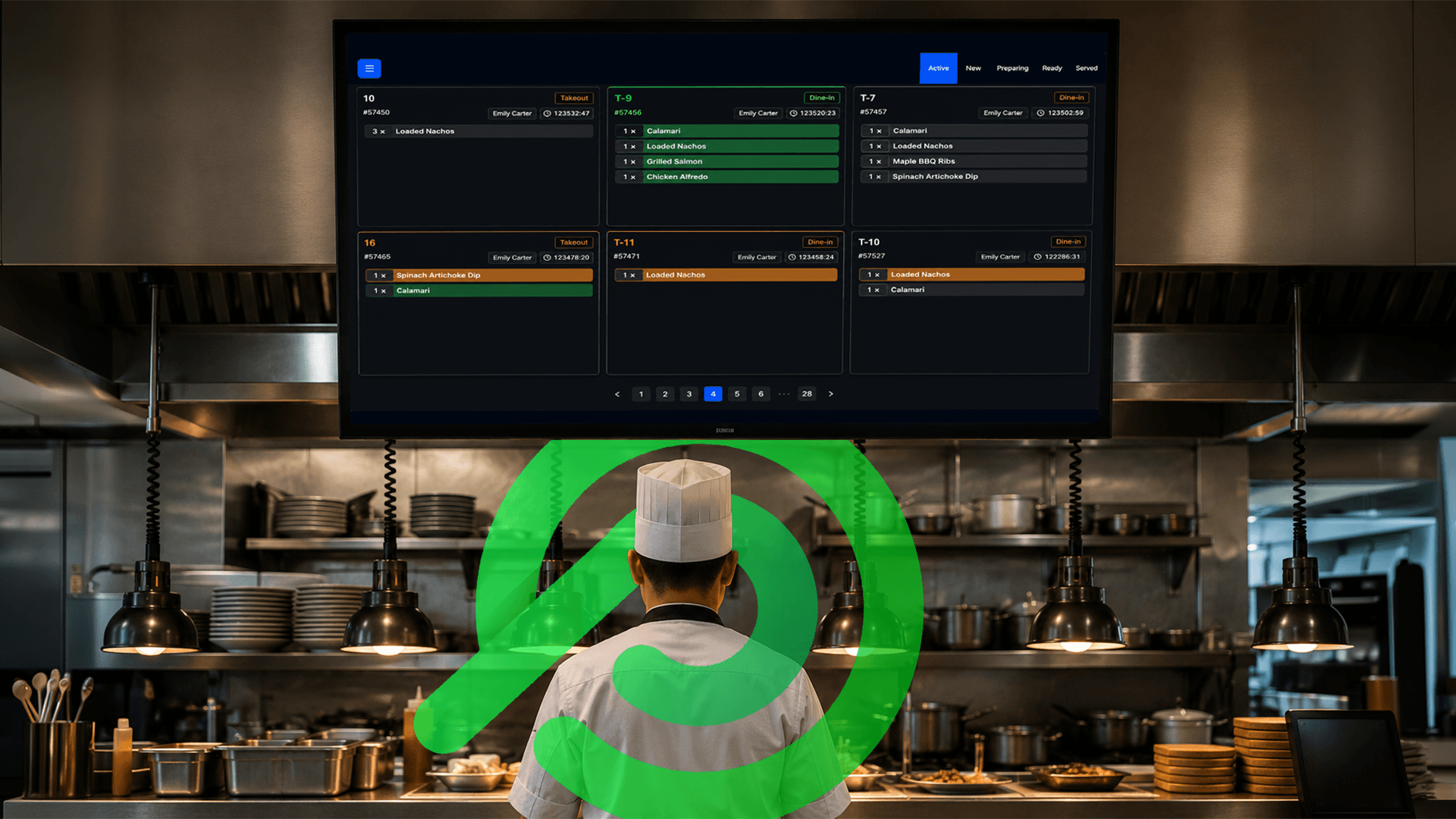
Orders go straight to the right station the moment they are placed. Grill items go to the grill. Cold items go to the cold station. No paper tickets, no shouting across the kitchen, no missed orders during a busy night.
Menu Management
Sold out of something? Change it in 10 seconds, and it is gone from the menu instantly. No server awkwardly telling a table "sorry we do not actually have that." Everything stays accurate in real time.
These features do not wow your guests directly, but your guests will absolutely notice when they are missing. An order that comes out wrong or a 20-minute wait usually traces back to a kitchen with no system.
The Features That Protect Your Money
Now kitchen is firing orders correctly. But here is the thing: a restaurant can be packed every night and still lose money. Bad inventory tracking, zero visibility on revenue, and uncontrolled discounts will bleed you dry without anyone noticing. These three restaurant POS system features stop that.
Inventory Management
Every ingredient that comes in and goes out gets tracked automatically. You know exactly what is in stock, what is running low, and what is being wasted, before it becomes a problem on a busy Saturday night.
Reports
Daily sales, weekly revenue, best-selling items, slow days, all in one place. No more guessing how the month went. You open your reports, and the numbers tell you exactly where your restaurant stands.
Promo Management
Discounts are great for customers but dangerous without control. This feature lets you decide exactly what gets discounted, by how much, and for how long, so a promo does not quietly eat into margins you could not afford to lose.
Money does not always disappear in big, obvious ways. It leaks, slowly, quietly, daily. These restaurant POS system features are what plug those leaks before they turn into real losses.
The Features That Handle Your People
Your food can be great. Your location can be perfect. But if your staff is unorganized with wrong shifts, missed clock-ins, or people accessing things they should not, it creates problems.
These three restaurant POS system features keep your team running clean.
Shift Scheduling
Everyone knows when they are working, who is covering what, and what time to show up. No last-minute WhatsApp confusion, no "I thought someone else was coming in" on a busy lunch service.
Timekeeping
Every clock-in and clock-out gets recorded automatically. When payroll week comes, you have the exact hours for every staff member.
User Management
Not everyone on your team needs access to everything. Set roles and permissions once, and your data stays exactly where it should.
Getting your people-side organized is not glamorous, but it quietly saves hours every single week.
The Features That Serve Your Customers Better
Everything so far has been behind the scenes. This is where it shows up for your guest.
These restaurant POS system features do not just make operations smoother; they directly change how a customer feels about your restaurant.
SMS Alerts
The moment a reservation is confirmed, your guest gets a text. Fewer no-shows because people actually remember they have a reservation.
Digital Receipts
Receipt via text or email, done. No printing, no paper. Clean, fast, and honestly what most customers prefer now.
Take Out Management
Customer name, number, order details, all saved when they call in. No sticky notes, no shouting across the counter. Their order is ready, it is right, and they are out the door happy.
Online Delivery
DoorDash, Uber Eats, your own orders, all coming into one screen instead of three different tablets fighting for counter space. Your kitchen sees everything in one place, and nothing gets missed.
These restaurant POS system features are what customers remember. Not your decor, not your uniforms, but how smooth and easy the whole experience felt from booking to walking out the door.
The Feature Most Owners Overlook (But Should Not)
Most owners set up their POS for the floor and the kitchen and completely forget about the restaurant POS system features that give them the full picture.
These two do not run your service directly, but they might be the most important ones on the list.
Dashboard
Every order (dine-in, takeout, delivery) is visible on one screen. You are not walking around asking staff for updates or waiting until close to know how the day went. You just look at your dashboard and you know.
Multiple Location Management
Running more than one location and logging into different systems for each one is a massive time drain. One login, all locations, same screen. Check performance, compare numbers, spot problems without driving between branches.
Once you start using it, you will never go back.
What You Should Ask Before Choosing a POS
Choosing a POS is like hiring a key employee or manager. You would not hire someone just because their resume looked good; you would ask the right questions first. Most restaurant owners ask the wrong questions and regret it six months later.
Mainly when they are locked into a contract with a system that does not actually fit how they run things.
Here are the four questions that actually matter:
Does it need hardware to run? Some POS systems need specific terminals, printers, and cables just to function. That is thousands of dollars before you have even taken one order. Ask upfront: can this run on a device you already own, or are you buying a whole new setup?
How long does it take to train staff? If your server needs two days of training to take a table order, the system is too complicated. A good POS should feel like learning a new app, not learning new software at a corporate job.
What happens when something breaks? Your POS going down on a Friday night is like your kitchen losing power during dinner service. Ask exactly what the support looks like: is someone available at 8 pm on a weekend, or are you emailing a ticket and waiting until Monday?
Can it grow with you? You might be running one location today. But if you open a second one next year, does your POS handle that without starting from scratch? Pick a system built for where you are going, not just where you are right now.
Ask these four questions and half the options on your list will eliminate themselves.
Why Platter Is Built for Modern Restaurants
Most POS systems were built for a world that no longer exists. They were designed when restaurants only had dine-in, staff was cheap, and one location was enough.
Then they added features on top of features, like putting extra floors on a shaky building. Looks impressive, falls apart under pressure.
Platter was built differently.
No hardware to buy. We know the pain of switching: new hardware, new system, new setup, but with Platter, no complicated setup.
Just the tools a real restaurant needs: order management, inventory, scheduling, KDS, reports, multi-location, delivery, all in one place, working together from day one.
Restaurants using Platter are not spending weekends troubleshooting their POS. They are spending that time on their food, their guests, and growing their business.
The right restaurant POS system features should make it feel easier to run. That is exactly what Platter does.
If you have been running on an outdated system or still doing things manually, it is a good time to see what a POS built for 2026 actually looks like.
Book a free Platter demo and see it running in a real restaurant setup, not a sales deck.

Ready to simplify?
See Platter in action
30-min demo. No commitment. See exactly how it fits your restaurant.
Book a Demo