
 Hardware
Epson printers for receipts and kitchen tickets
Platter works with Epson receipt and kitchen printers. Print guest receipts at checkout and send kitchen tickets to the right station, with items routed by category.
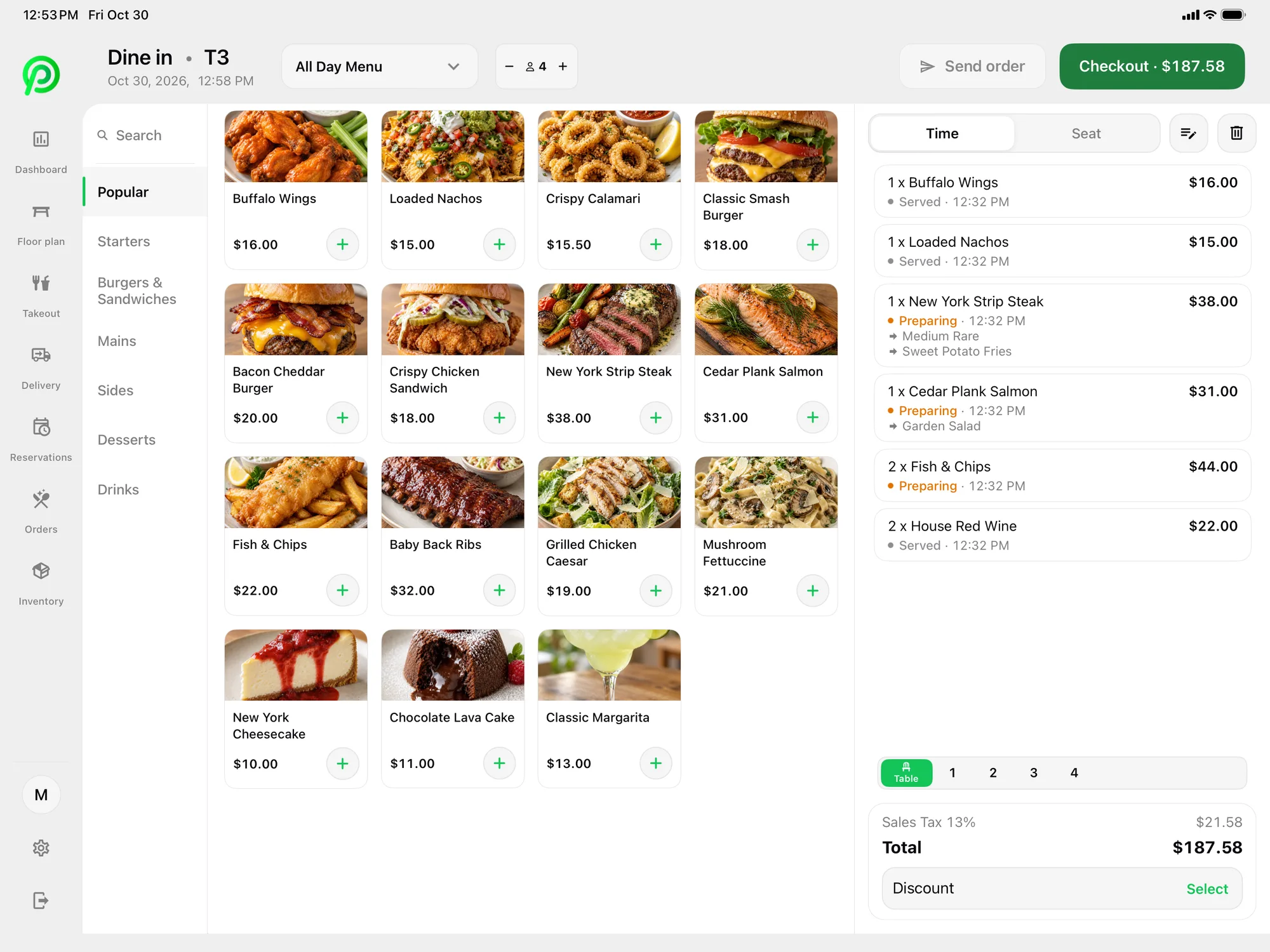
How it works
- Step 1
Add your Epson printers
Set up your receipt and kitchen printers during onboarding. Your onboarding specialist can help.
- Step 2
Route items by category
In the back office, menu categories send items to the right printer, so drinks print at the bar and mains print on the line.
- Step 3
Send orders from the POS
When a server sends an order, each item prints at the station that makes it.
- Step 4
Print receipts at checkout
Print the guest’s receipt when they pay, or send it by SMS or email instead.
No device fee for printers
Printers don’t add a monthly device fee to your Platter plan. You buy the hardware; Platter doesn’t charge to connect it.
Each station gets its own tickets
Category routing means every station only prints what it makes.
Use paper, screens or both
Run Epson kitchen printers on their own or alongside the Kitchen Display System.
Paper tickets are still how many kitchens run, especially on a busy line or at the bar. Platter supports Epson receipt and kitchen printers so you can keep that workflow. Guests’ receipts print at checkout, or you can send them by SMS or email.
Routing is set up in the back office. Each menu category points to a station, and items print where they’re made. Changes you make in the back office reach every device in about 30 seconds.
Orders from every channel can print: dine-in, pickup, curbside, phone and delivery orders from Uber Eats, DoorDash and SkipTheDishes through Deliverect. If you add a Kitchen Display System later, Epson printers can keep running alongside it.
Printers carry no monthly device fee in Platter. Hardware isn’t included with a plan, so you supply your own Epson printers. Your onboarding specialist sets up printers with you, along with menus, floor plan, Moneris and staff roles, before you launch.
Related features: Kitchen Display System, Order Management, Digital Receipts.
Epson and Platter: questions
See your restaurant running on Platter
A 30-minute demo with a product specialist, tailored to your menu and floor. No obligation.
Book a free demo