
Switch to Platter
Switching POS without the headache
Changing POS feels like a big job in the middle of service. We do the set-up with you, you launch on a day that suits you, and there is no long-term contract.
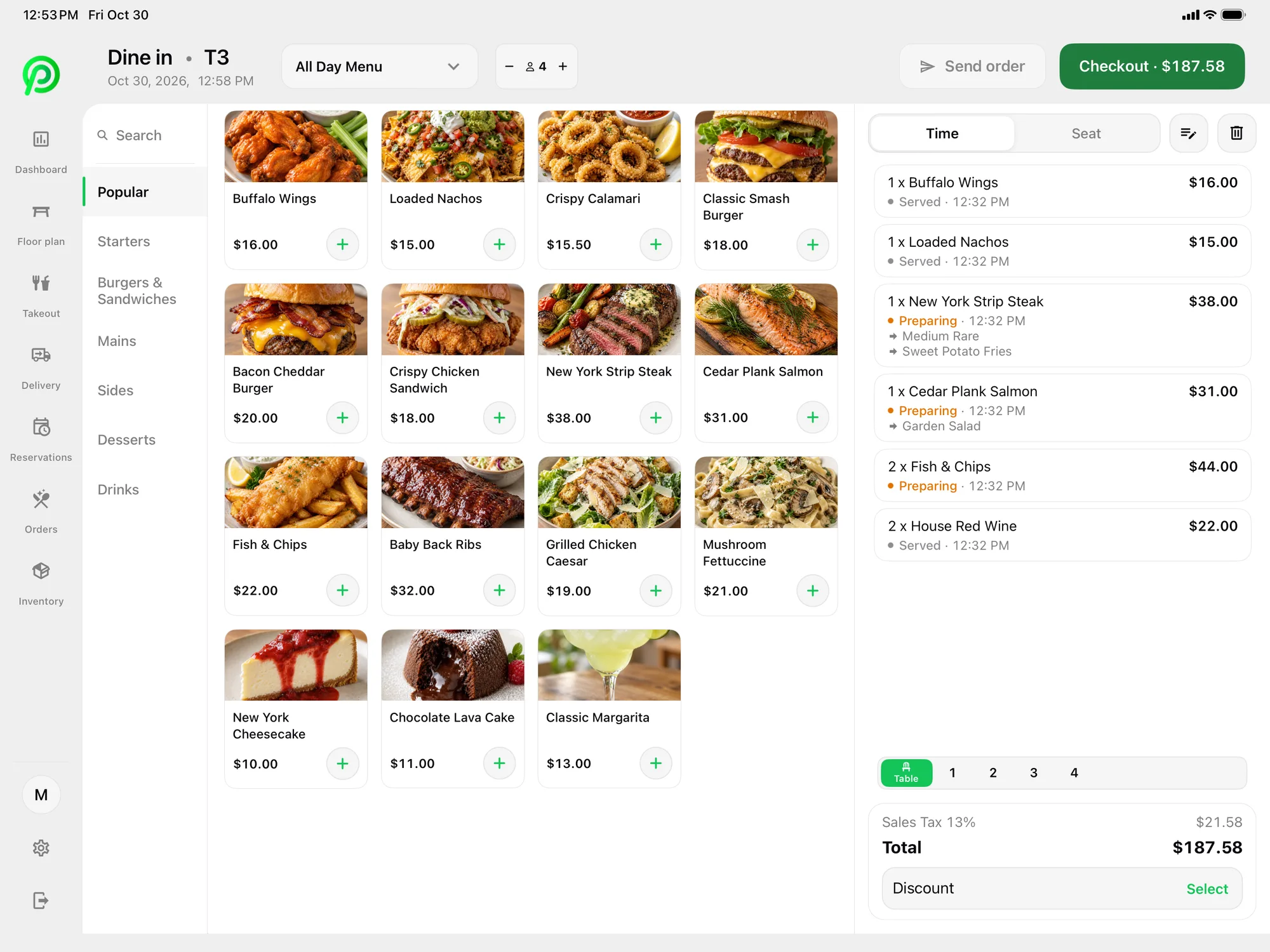
- Used by 500+ restaurants
- Made in Canada
- Month-to-month, no cancellation fee
- Moneris preferred pricing for Platter customers
- Runs on iPad, iPhone and Android
How switching works
Most of the work happens before launch day, with an onboarding specialist.
1. Send us what you have
Your current menu (an export, a PDF or photos is fine), a recent card processing statement and your contract end date if you have one.
2. We build your set-up
An onboarding specialist enters your menu, modifiers and taxes, draws your floor plan, and sets up staff roles, printers and kitchen routing.
3. Moneris and devices
New to Moneris? We introduce you, and Moneris reviews your merchant account. Already with Moneris? Your terminals can pair with Platter. Subject to Moneris approval.
4. Launch when you are ready
Your account stays in set-up mode while your team practises. You pick the launch day, often a quiet weekday.
Contract buyout credit
Still tied to another POS? Platter offers a contract buyout credit for restaurants that switch. How it applies depends on your current contract, so ask us and bring your agreement to the demo.
Ask about the buyout creditQuestions about switching
See your restaurant running on Platter
A 30-minute demo with a product specialist, tailored to your menu and floor. No obligation.
Book a free demo