
Every choice, prompted at the till
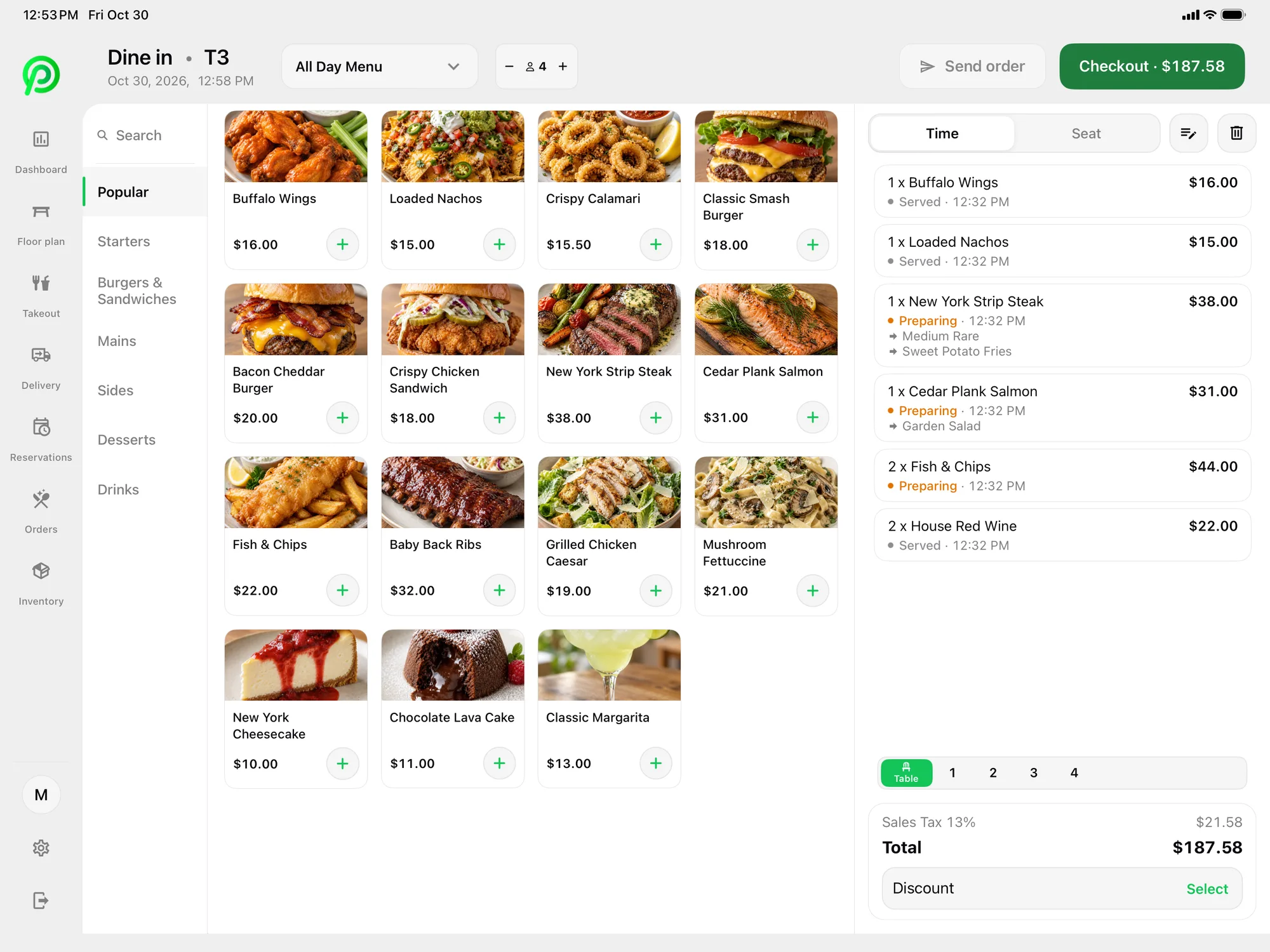
A bubble tea order is never just a tea. It is a base, a size, a sugar level, an ice level and one or more toppings. Miss one detail and the drink gets remade. In Platter, each drink can carry required, optional and multi-select modifiers. Make sugar level a required choice, from no sugar to full, and do the same for ice. Staff cannot add the drink until both are picked.
Toppings work as a multi-select modifier, so a guest can add tapioca pearls, grass jelly and pudding to one drink. Item notes cover anything else, such as "less pearls" or "separate cup for the cheese foam". Read more on menu management.
Built for a fast counter line
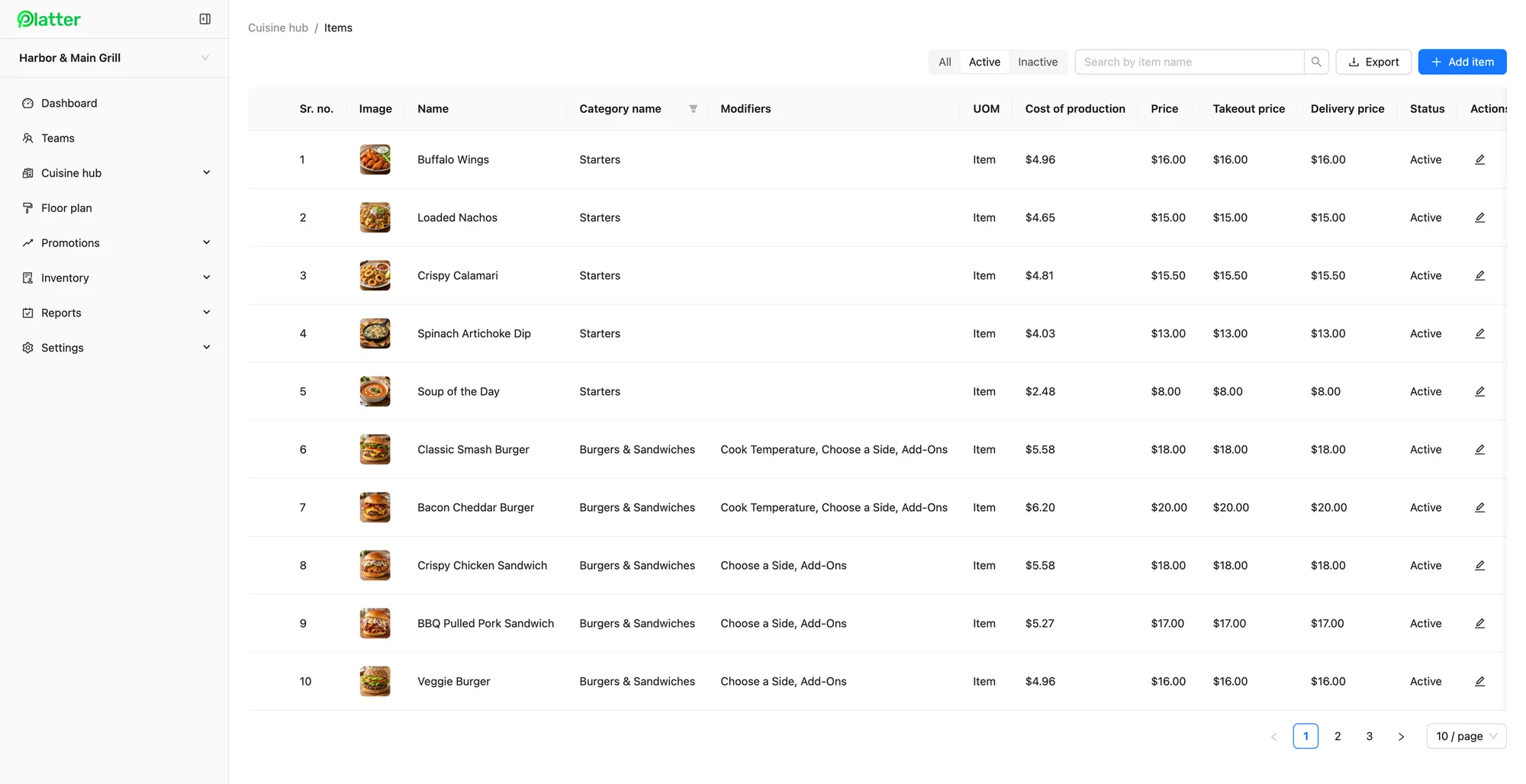
Many shops change their drinks with the seasons. Platter lets you keep more than one menu, such as a summer fruit tea menu beside your year-round milk teas, and update items from the back office. Menu changes reach every device in about 30 seconds, so a new flavour shows up on every till at once. Order history lets you look up a past order by date or invoice number when a guest has a question.
Bubble tea shops get busy in waves: after school, after dinner and on weekend afternoons. The photo menu has search, and the ticket stays beside the menu, so staff can ring in a drink in a few taps. Separate categories for milk teas, fruit teas, slushes and snacks keep the screen tidy.
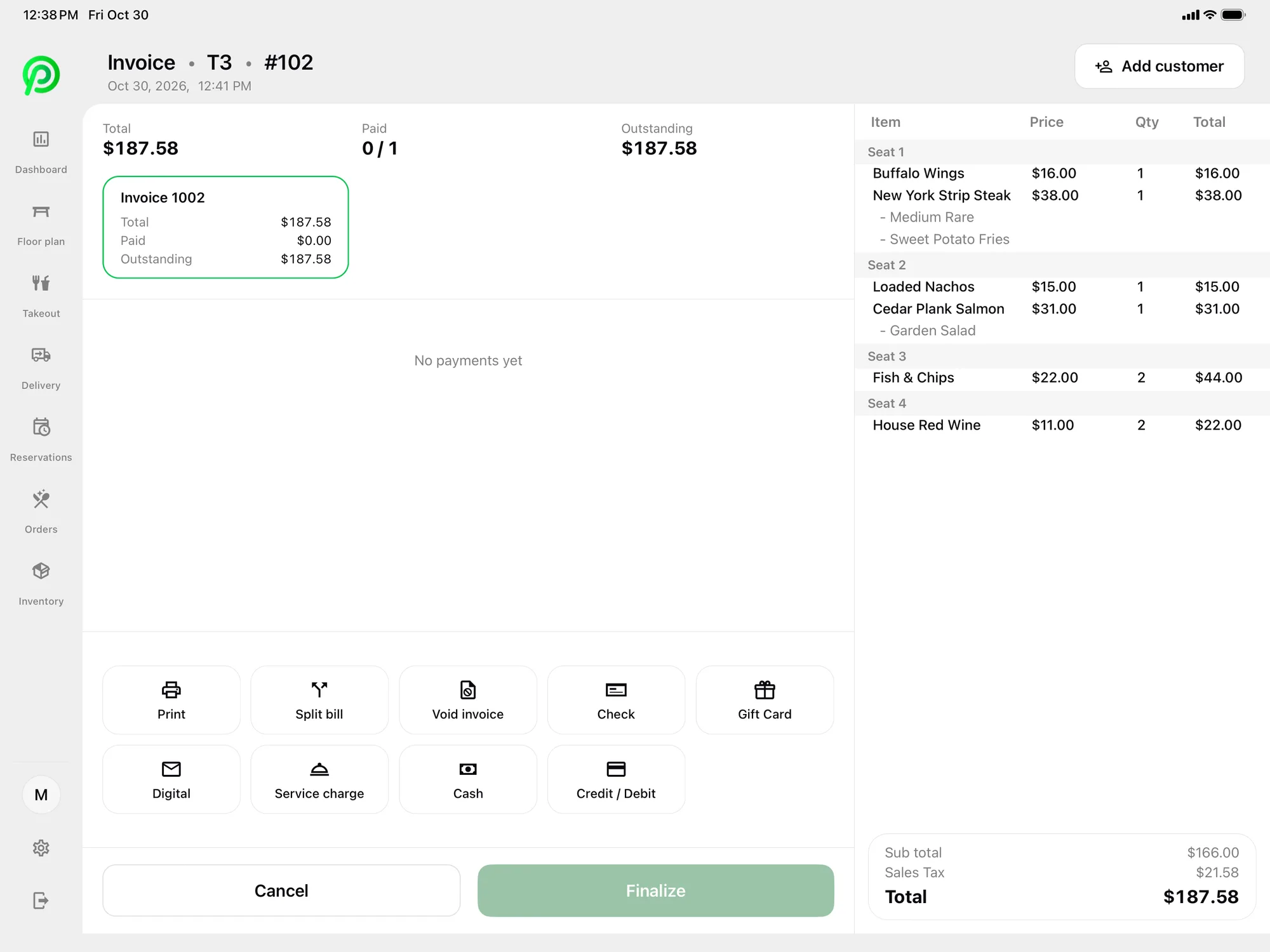
Guests tap, insert or pay cash. Card payments are processed by Moneris, at Moneris preferred pricing for Platter customers, subject to Moneris approval. Moneris terminals pair over Wi-Fi. Tap to Pay on iPhone and Android in the Platter app is powered by Stripe, which helps when you add a second till at a pop-up or market stall. Receipts go out by SMS or email, or print on an Epson printer when a guest asks. A customer-facing display shows guests their order, with every sugar and ice choice, before they pay.
Drinks to a prep screen
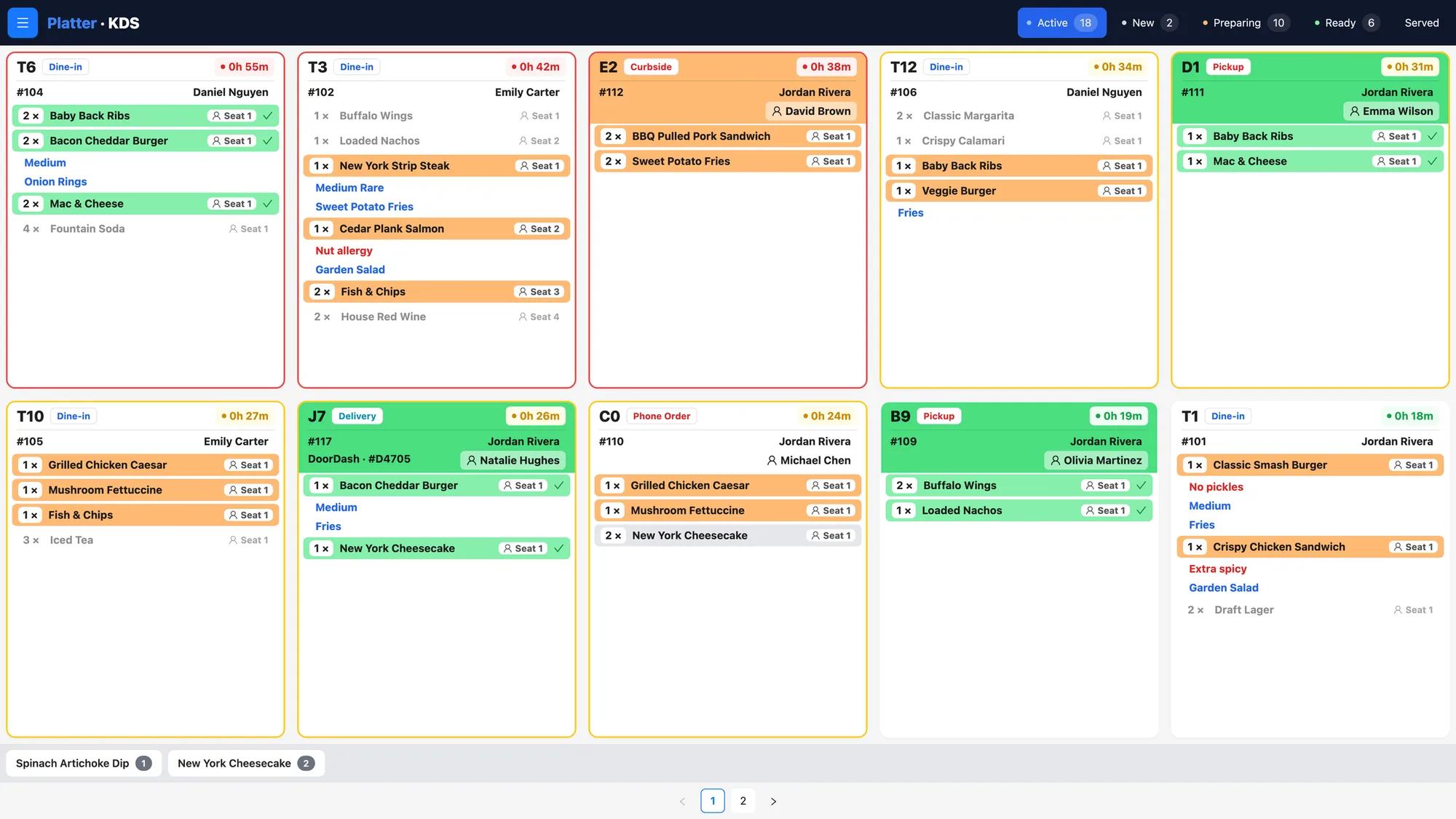
Give the drink station its own kitchen profile on the Kitchen Display System. Every ticket shows the drink, its size, sugar, ice and toppings, with a timer on each. Tickets are colour-coded by status, so staff can see which drinks are waiting and which are ready. If you also serve popcorn chicken or snacks, a second kitchen profile can show food only. Epson kitchen printers can route items by category instead, or alongside the screens.
Delivery app orders
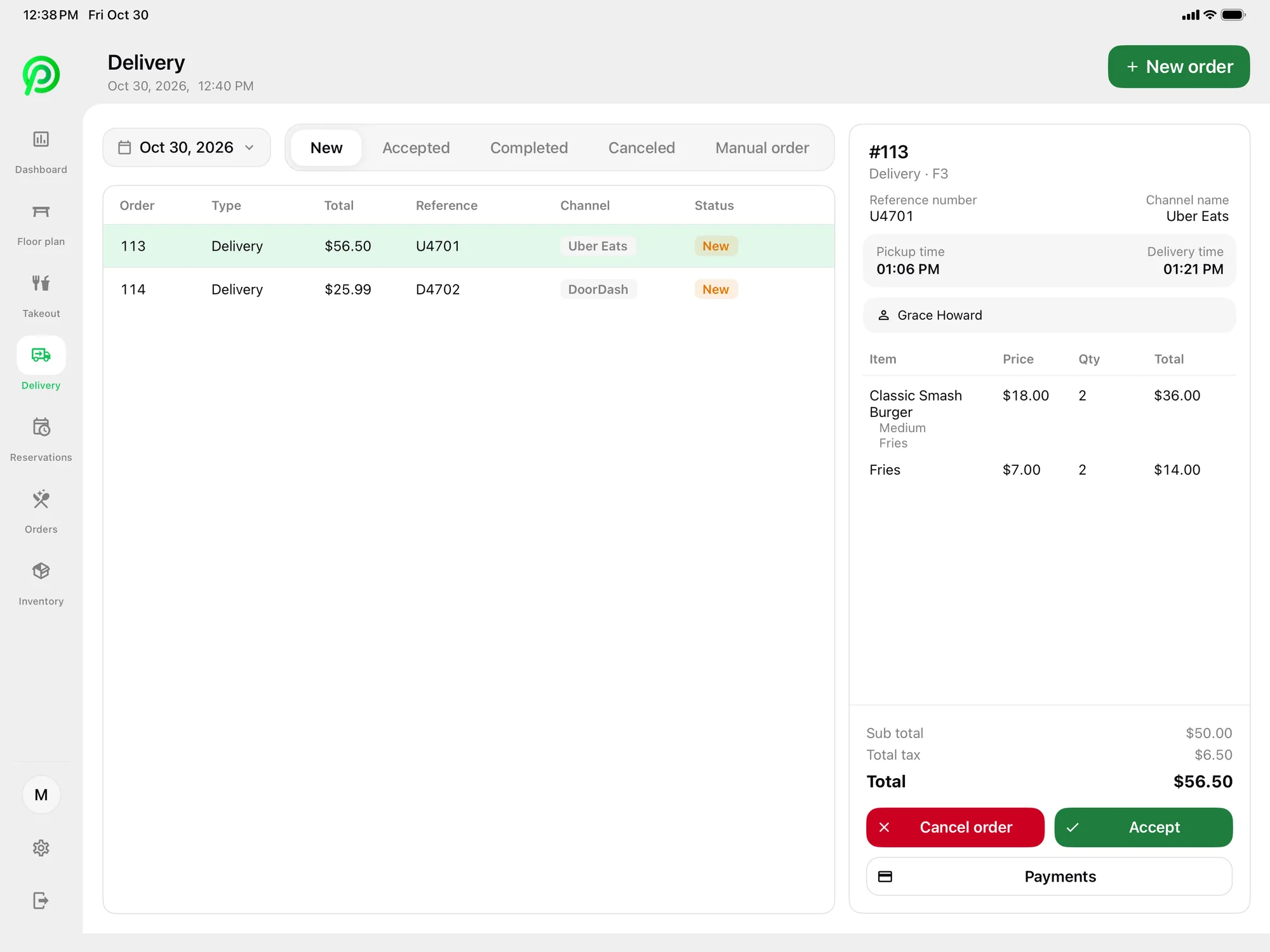
Bubble tea travels well, and delivery is a big part of the day for many shops. Uber Eats, DoorDash and SkipTheDishes orders arrive in Platter through your own Deliverect account. Staff accept or cancel each order on the POS, and it goes to the prep screen with counter orders. You can set separate delivery prices on each item, so your in-store prices stay the same. Pickup and phone orders sit in one takeout list with the guest's name and number.
Promotions, the way Platter runs them
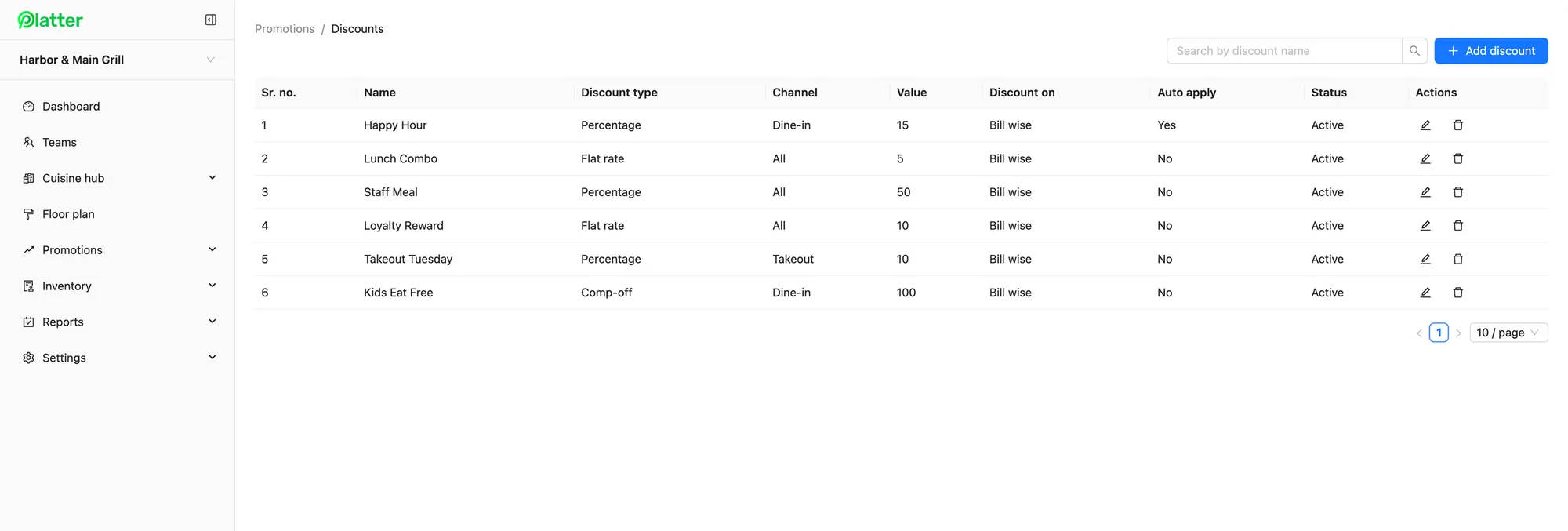
Promotions in Platter can be a percentage off, a flat-rate amount or a comp. You can limit a promotion to dine-in, takeout or delivery, schedule it and set it to apply on its own. An afternoon offer, such as a percentage off in-store drinks on weekdays, can switch on and off without staff changing prices. For a deal like a second drink free, staff can apply a comp or a flat-rate discount to that drink, and each role has its own permissions. Every discount shows on the day-end report. Read more on promotions and discounts.
Loyalty and gift cards are coming soon.
Stock, staff and busy hours
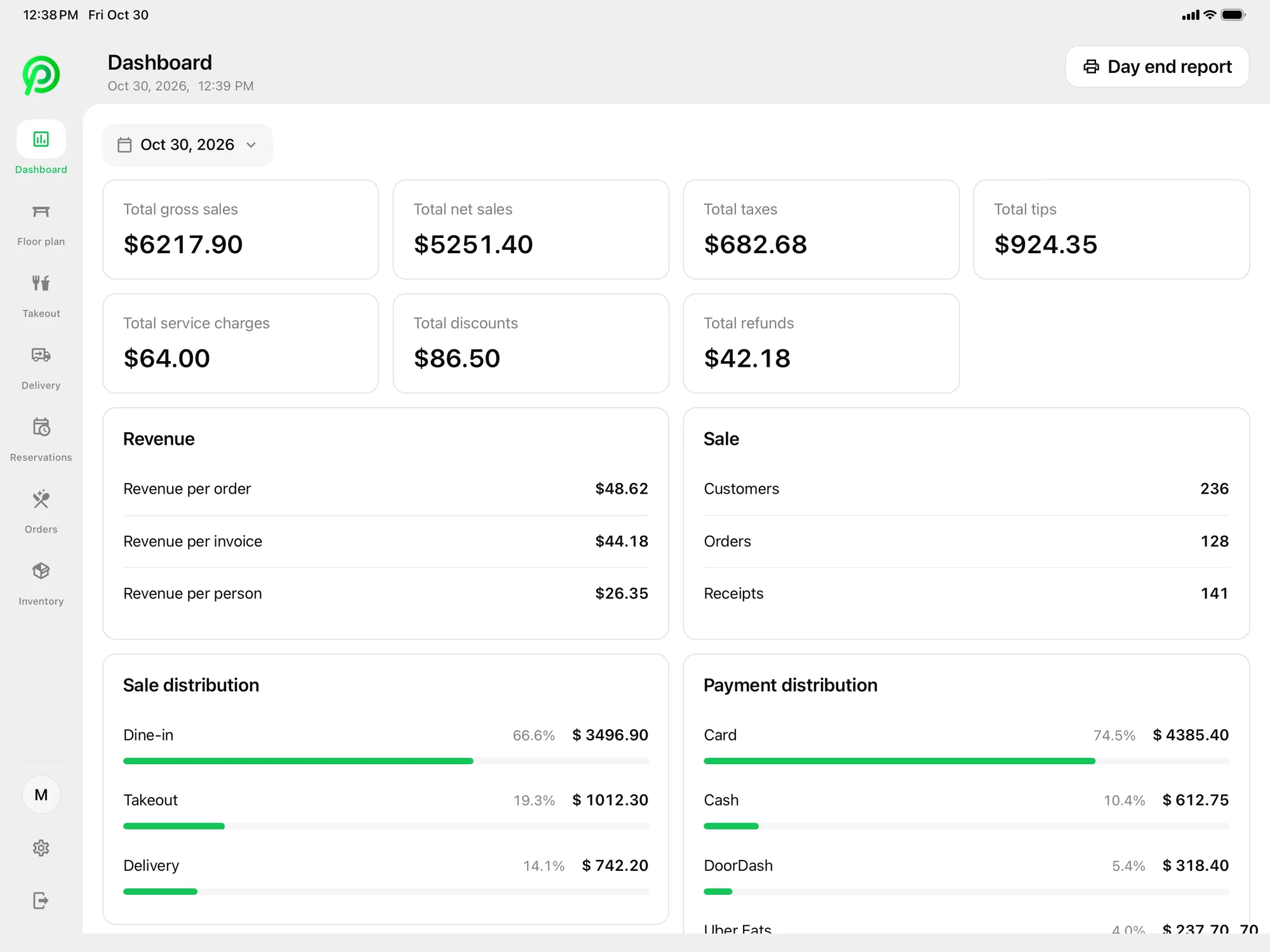
On the Pro plan, inventory tracks tea leaves, milk, syrups, tapioca pearls, cups and lids by unit of measure. Reorder points flag low stock, and day-end counts happen in the app. The back office dashboard shows revenue by hour of day, so you can plan staff for the after-school rush. Staff clock in and out with their own PIN, and shift hours feed timesheets and the labour report.
What it costs
Essentials is $79 per location per month, and Pro is $149 if you want inventory. Add a kitchen display at the drink station at $15 per month and a customer display at $15 per month. An extra tablet for a second till is $10 per month, and phones and printers are free. The main POS iPad is included. Platter runs on iPad, iPhone and Android, and hardware is not included, so you bring your own. Compare plans on the pricing page.
An onboarding specialist sets up your menu, floor plan, printers, Moneris and staff roles. Your account stays in set-up mode until you launch. Plans are month-to-month with no cancellation fee.