Disclosure: Platter wrote this guide, and Platter is one of the systems it covers. Where we describe another company, we only use the sourced facts on our comparison pages, dated "as of October 2026", and we link to those pages so you can check the sources yourself.
When you run a small café or a 30-seat neighbourhood spot, the POS is not a strategic platform. It is the thing between a customer and a paid order. It needs to be quick at 8 a.m., cheap enough to justify in a slow month, and simple enough that a new hire learns it on their first shift.
Big-restaurant feature lists can make that decision harder than it needs to be. This guide starts with what a small operator really uses every day.
What small cafés and restaurants actually need
Fast counter checkout
Most small places take orders at a counter. Count the taps it takes to ring in your three most common orders. If a latte, a muffin and a tip take more than a few seconds, the morning line will feel it.
Drink modifiers that prompt staff
Size, milk, extra shots, syrups, sweetness and ice levels are where cafés lose time and money. A good setup prompts staff for each choice and prices it automatically, so the oat-milk upcharge is never forgotten. Look for required modifiers (the till will not move on until a size is picked) and optional ones.
Tap payments
Customers expect to tap a card or phone. Ask how payments are processed, what terminals you need, and whether a phone can take payments during a rush or at the curb.
Takeout and phone orders
Even a sit-down café gets phone orders and pickups. You want those orders in the same list as counter orders, with a name and a pickup time, not on a sticky note.
Simple reports
You need sales by day and by hour, top items, and payment totals at close. That is enough to schedule staff for the busy hours and spot items that do not sell.
Low fixed cost
In a small business, the monthly fee matters more than a long feature list. Add up every line: software, each extra device, kitchen screens and any add-ons. Then compare that monthly total, not the headline plan price.
Using devices you already own
If you already have an iPad or an Android tablet, a POS that runs on it saves you a hardware purchase. Check which devices are supported and which printers work.
No long contract
A small operator's needs change fast. Month-to-month terms let you leave if the system stops fitting, without a cancellation fee.
What you can skip at first
You do not need everything on day one. These can usually wait:
- Reservations. If you do not take bookings today, do not pay for them.
- Delivery app integration. If you take one or two delivery orders a day, a separate tablet may be fine until volume grows.
- Detailed inventory. A weekly count on paper can work while you learn which items move. Add inventory tools when you are ready to act on them.
- A kitchen display screen. A kitchen printer works well in a small kitchen. A screen helps once tickets start piling up.
- A customer-facing display. Useful, but not essential for most cafés.
Before you add anything, work out your food cost per item. Divide the cost of the ingredients in a dish or drink by its menu price, then compare the result with your own past months to set a target that suits your menu. Our food cost calculator does the arithmetic for you.
How the options compare for a small operator
Here is how six systems line up on the points a small operator usually asks about first. Competitor facts are paraphrased from our comparison pages, as of October 2026; follow each link for sources.
| System | Starting point a small café would see | Devices |
|---|---|---|
| Platter | Essentials at $79/month per location (CAD) | Your own iPad, iPhone, Android |
| Square for Restaurants | Free plan at $0/month; Plus at $60/month per location | Square hardware |
| Lightspeed Restaurant | Starter at $89 CAD/month on its Canadian pricing page | iPad |
| Toast | Contact Toast for Canadian pricing | Toast hardware |
| TouchBistro | Quote on request | iPad |
| Clover | "Contact sales" on its Canadian site | Clover devices |
Square for Restaurants
Square says it offers a Free plan at $0/month in Canada. On Plus, which is $60/month per location, each additional POS device is $40/month, so a café with two tills should count that in. Square includes SkipTheDishes integration with any Square for Restaurants subscription. Per our Square comparison, Square may be the better fit if you want to start on a free plan or already use Square for retail.
Clover
Clover's Canadian site shows "Contact sales" in place of prices, and Clover sells Counter Service Restaurant plans directly and through banks and resellers. Its hardware is its own devices, such as Station Duo, Mini and Flex. Per our Clover comparison, Clover may suit you if you prefer all-in-one countertop hardware supplied with your processing. If you are choosing between these two, see Square vs Clover.
Lightspeed Restaurant
Lightspeed's Canadian pricing page lists a Starter plan at $89 CAD/month, and a kitchen display add-on at $40 per screen per month. It runs on iPad. Per our Lightspeed comparison, Lightspeed may suit you if you also run a retail business, or if you are in Quebec and need its K-Series, which Lightspeed states is certified for WEB-SRM.
Toast and TouchBistro
Neither publishes Canadian prices in the rows we track: Toast asks you to contact it, and TouchBistro gives quotes. Toast uses its own hardware, while TouchBistro runs on iPad. See the Toast comparison and the TouchBistro comparison for the full rows, including when each may be the better choice.
Platter for small cafés and restaurants
Platter's Essentials plan is $79 per location per month in CAD, before tax, and is built for cafés and quick service. It includes:
- the POS on iPad, iPhone and Android
- menu and modifier management, so size, milk and shots are prompted
- floor plan and table management for a few tables or a patio
- split bills by seat or item
- takeout: pickup, curbside and phone orders
- a sales dashboard and core reports
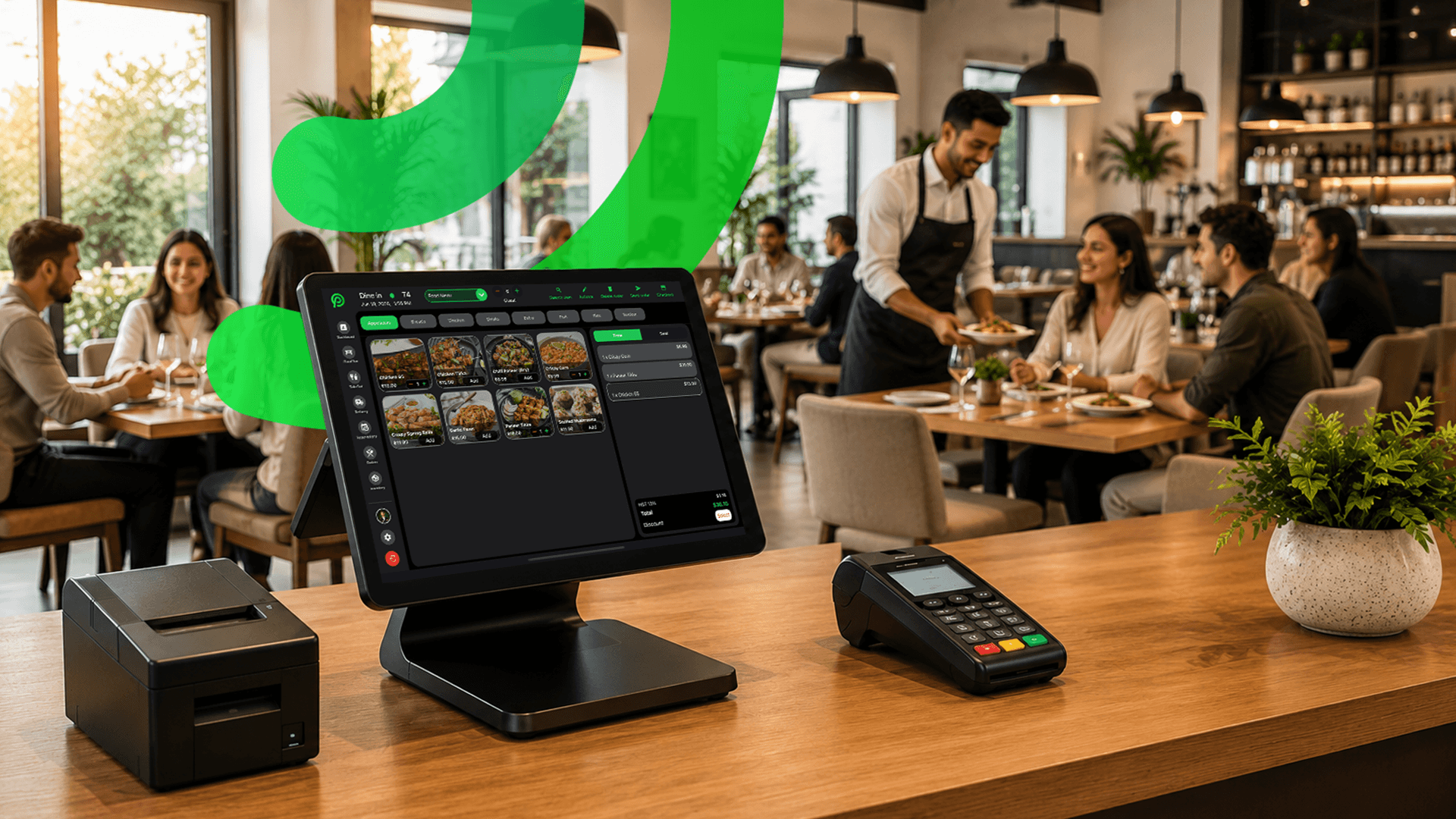
The main POS iPad is included in your plan. If you need a second till, an extra tablet is $10/month. Phones running the POS are free and unlimited, and so are Epson receipt and kitchen printers. When you are ready, a kitchen display is $15/month and a customer-facing display is $15/month. Hardware is not included, so you bring your own iPad, iPhone or Android device. See the full list on our hardware page.
Card payments are processed by Moneris, at Moneris preferred pricing for Platter customers, subject to Moneris approval. Tap to Pay on iPhone and Android in the Platter app is powered by Stripe, which turns a phone into a card reader for tableside and curbside payments. We do not quote processing rates in blog posts; use the savings calculator with a recent statement instead.
Inventory with reorder points, reservations and delivery app orders through Deliverect are on the Pro plan at $149, so you can move up when you need them. Plans are month-to-month with no long-term contract and no cancellation fee, and you get two months free when billed annually. Compare both plans on the pricing page.
Where Platter may not be the right fit: if you want a free plan, Square lists one in Canada (as of October 2026). If you are in Quebec, contact us about your location before you sign up. Online ordering is coming soon, not live yet.
Pages for your type of business
- Coffee shops: drink modifiers and a screen for the espresso bar.
- Bakeries: counter sales plus pickup and phone orders for custom cakes.
- Bubble tea shops: sugar, ice and topping modifiers.
- Quick service restaurants: fast counter checkout and takeout.
FAQ
What is the cheapest POS for a small café in Canada?
As of October 2026, Square lists a Free plan at $0/month in Canada. Your real cost also includes hardware, extra devices and card processing, so compare the full monthly total in writing.
Can I run Platter on an iPad I already own?
Yes. Platter runs on iPad, iPhone and Android, and the main POS iPad is included in your plan. Hardware is not included, so you use your own device.
Do I need the Pro plan for a café?
Usually not at first. Essentials covers counter checkout, modifiers, takeout and core reports. Move to Pro if you want inventory, reservations or delivery app orders in the POS.
Is there a contract?
No. Platter is month-to-month with no long-term contract and no cancellation fee.

Ready to simplify?
See Platter in action
30-min demo. No commitment. See exactly how it fits your restaurant.
Book a Demo