Ask three POS providers what their system costs and you will often get three answers that cannot be compared. One quotes a monthly software price. One quotes a bundle with hardware. One asks you to book a call first.
The honest answer to "how much does a restaurant POS cost in Canada" is that it depends on which parts you add up. This guide walks through every part of the bill, in Canadian dollars, so you can line up quotes side by side and spot the costs that do not show up on the first page.
The parts of a restaurant POS bill
Most restaurant POS costs fall into eight buckets:
- Software subscription
- Per-device fees
- Hardware (buy, lease or bring your own)
- Card processing
- Add-ons such as kitchen displays and delivery integrations
- Setup and onboarding
- Contract terms and cancellation fees
- Sales tax on top of all of it
Some providers bundle several of these into one number. Others list each one separately. Neither is wrong, but you need to know which you are looking at.
1. Software subscription
This is the monthly fee for the POS software itself, usually charged per location. Plans are often tiered: a lower tier for cafés and counter service, a higher tier for full-service restaurants and bars that need reservations, inventory or labour tools.
When you compare tiers, check what is actually in each one. A cheaper plan that is missing a feature you need is not cheaper once you pay for that feature elsewhere.
Platter publishes its plans in CAD on the pricing page: Essentials at $79, Pro at $149, and Multi-location at $129 per location for groups with three or more sites. All three are per location per month, and billing annually gets you two months free.
2. Per-device fees
Many POS providers charge for each device that runs the software, on top of the plan. This is where quotes drift apart the most, because restaurants rarely know how many devices they will end up running.
Count every screen you expect to use: the counter, the bar, the host stand, each server's handheld, and every screen in the kitchen.
In Platter, the main POS iPad is included in your plan. Each extra tablet is $10 a month. Phones running the POS are free and unlimited, and so are Epson receipt and kitchen printers.
3. Hardware: buy, lease or bring your own
Hardware is the main one-time cost, and there are three common ways to handle it.
| Option | What it means | What to watch |
|---|---|---|
| Buy | You pay up front for terminals, tablets and printers and own them | Whether the hardware only works with that one provider |
| Lease | You pay monthly for hardware supplied by the provider or a lessor | The lease term, the total paid over it and what happens if you leave |
| Bring your own (BYO) | The POS runs on iPads, phones or tablets you already own or buy | Whether your devices are compatible, and who supports them |
Leasing can make the first month cheaper, but a lease can run separately from the software agreement. Read both before you sign.
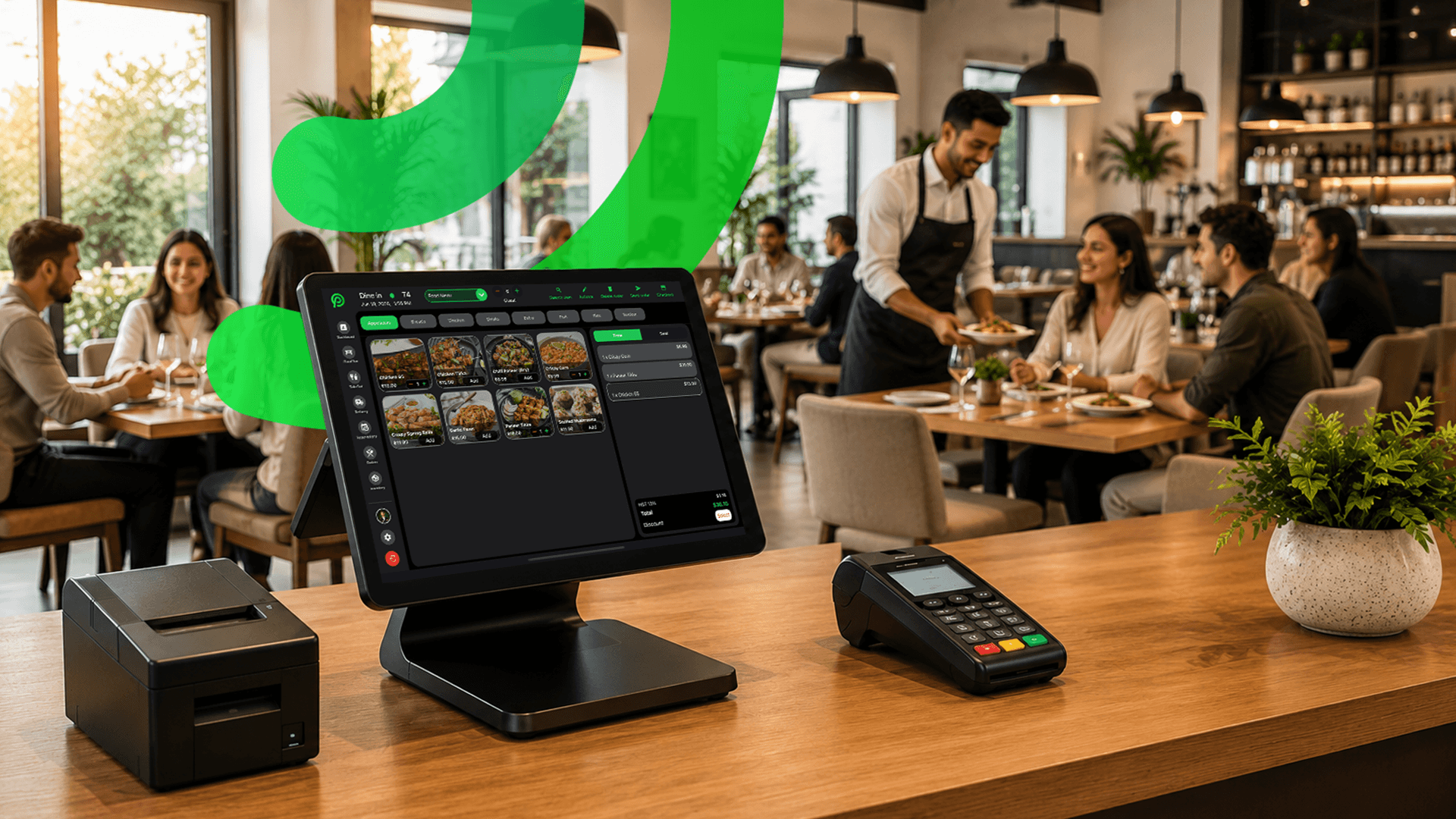
Platter runs on iPad, iPhone and Android devices, and hardware is not included in a plan. That means you can use devices you already own or buy your own. See what a set-up can include on the hardware page, and we check your devices during the demo.
4. Card processing
Card processing is an ongoing cost, and one of the hardest to compare, because it scales with your sales instead of staying flat.
There are two common pricing models:
- Interchange-plus pricing: each payment is billed at the actual interchange and card brand fees, plus a processor margin stated in your agreement. Your statement shows each part.
- Flat-rate pricing: one bundled percentage on every card payment, whatever the card. It is simple to read, but the rate has to cover the most expensive cards.
Neither is automatically cheaper for every restaurant. Your card mix matters, so the only reliable comparison uses your own processing statement.
In Platter, card payments are processed by Moneris, at Moneris preferred pricing for Platter customers, subject to Moneris approval. Your merchant agreement is directly with Moneris, and Moneris bills its fees, including any terminal rental, directly. The current rates are on the pricing page, and the savings calculator compares them with what you pay today.
5. Add-ons
Add-ons are the extras that turn a basic POS into the set-up your restaurant actually runs on. Common ones:
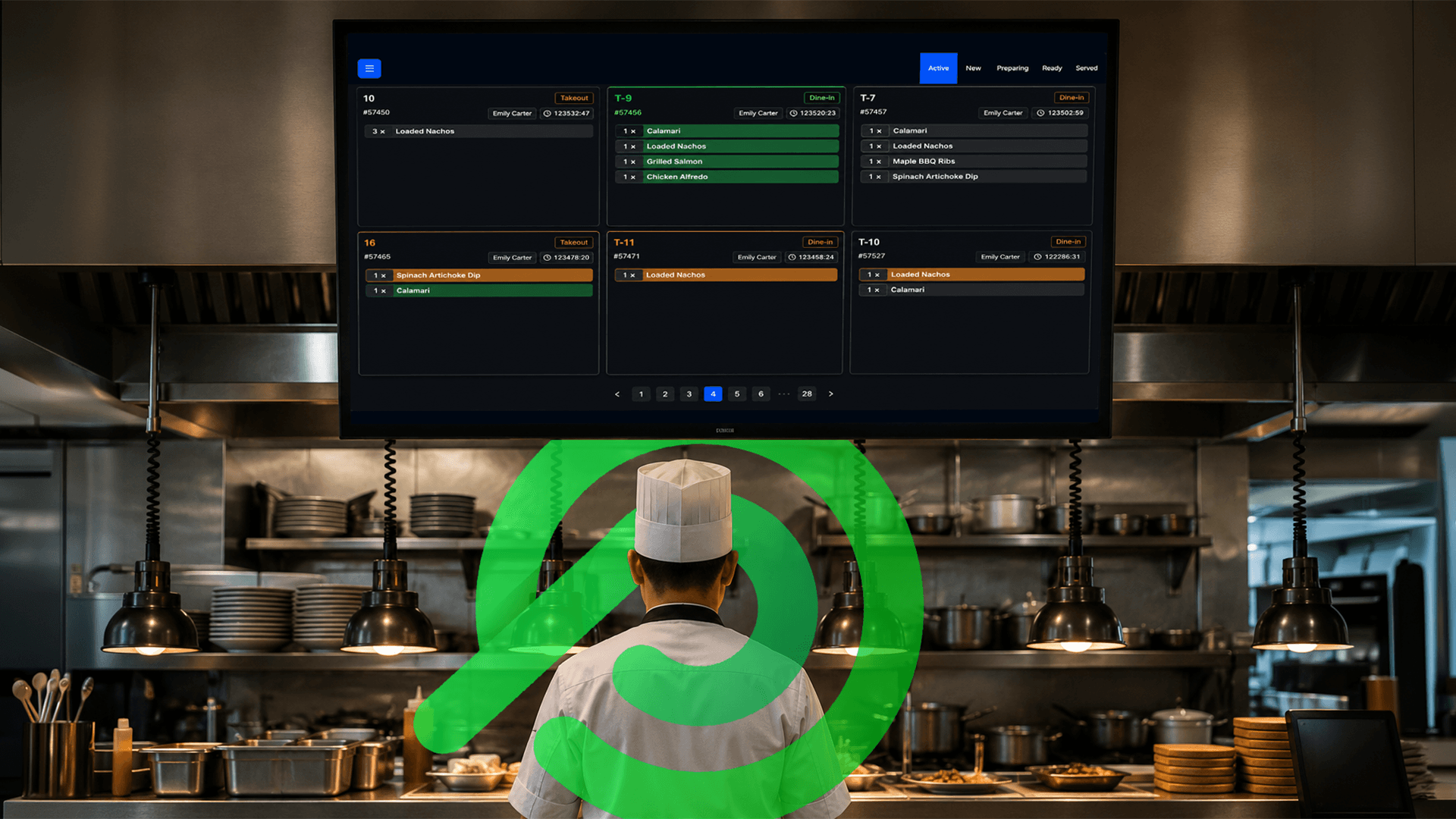
- Kitchen display system (KDS): screens that replace or sit alongside paper tickets. In Platter, $15 a month per screen.
- Customer-facing display: shows guests their items, tax and total before they pay. In Platter, $15 a month per display.
- Delivery integrations: getting Uber Eats, DoorDash and SkipTheDishes orders into the POS. In Platter this comes with the Pro and Multi-location plans, connected through your own Deliverect account, so ask Deliverect what your account costs too.
- Modules sold separately: online ordering, loyalty, gift cards and advanced reservations are often priced as add-ons. Ask whether each one is live today or still coming.
6. Setup and onboarding
Some providers charge a setup or installation fee. Others include onboarding in the subscription. Either way, ask exactly what the setup covers. Building your menu, modifiers and floor plan by hand takes hours you may not have.
With Platter, an onboarding specialist sets up your menu, floor plan, printers, Moneris and staff roles with you. Your account stays in set-up mode until you are ready to launch.
7. Contracts and cancellation fees
A low monthly price on a long contract can cost more than a higher price you can walk away from. Check:
- The contract term, and whether it renews automatically
- Any early cancellation fee
- Whether hardware leases or processing agreements have their own terms
Platter is month-to-month, with no long-term contract and no cancellation fee. If you are still tied to another POS, ask us about our contract buyout credit for restaurants that switch.
8. Taxes
POS prices in Canada are usually quoted before tax. Applicable sales tax is added to your subscription, devices and add-ons, so make sure every quote you compare is on the same basis. Platter's prices are in CAD, before tax.
A worked monthly example
Here is what a common Platter set-up looks like for a full-service restaurant: one counter iPad, one extra tablet at the bar, one kitchen display, a few servers taking orders on phones, and Epson printers.
| Line | Monthly cost (CAD, before tax) |
|---|---|
| Pro plan, one location | $149 |
| Main POS iPad | Included |
| One extra tablet | $10 |
| One kitchen display | $15 |
| Server phones | Free |
| Epson receipt and kitchen printers | Free |
| Card processing | Billed directly by Moneris |
| Delivery orders (Deliverect) | Through your Deliverect account |
Add the lines you need, then add sales tax. The devices themselves are a separate one-time purchase, since hardware is not included. If you plan to offer a customer display, add $15 for each one.
How other providers publish pricing
Not every POS provider lists prices the same way. As of October 2026, based on each company's public information, Square publishes Canadian restaurant pricing in CAD (Square comparison), and Lightspeed has a Canadian pricing page listing plans in CAD (Lightspeed comparison). TouchBistro asks you to request a quote (TouchBistro comparison), Clover's Canadian site shows "Contact sales" in place of prices (Clover comparison), and Toast asks you to contact it for current Canadian pricing (Toast comparison).
For a side-by-side view with sources, see our guide to the restaurant POS options in Canada.
When another POS may fit better
Price is not the only thing that matters. If you want to start on a free plan, or you want unlimited kitchen displays included in one subscription, Square for Restaurants may be the better fit, as of October 2026. It also suits owners who already use Square for retail.
Questions to ask for a written CAD quote
Before you sign with any provider, ask for a written quote in Canadian dollars that answers these:
- What is the monthly software price per location, and what is in that plan?
- What does each extra device cost, including tablets, phones, kitchen screens and customer displays?
- Is hardware included, leased or bought separately? If leased, what is the term and the total?
- Can I use devices I already own?
- How is card processing priced, interchange-plus or flat rate, and who bills it?
- Which add-ons cost extra, and which are live today versus coming soon?
- Is there a setup or onboarding fee, and what does it cover?
- What is the contract term, and is there a cancellation fee?
- Are all prices before tax?
Once your POS costs are clear, make sure your menu prices cover them. The menu pricing calculator helps you work back from plate cost to a menu price.
FAQ
How much does a restaurant POS cost per month in Canada?
It depends on the plan, the number of devices, add-ons and card processing. Platter's plans start at $79 per location per month in CAD, before tax, with extra devices priced separately on the pricing page.
Is hardware included in Platter's price?
No. Platter runs on iPad, iPhone and Android devices you own or buy. The main POS iPad is included in your plan, and extra tablets are $10 a month.
Does Platter charge for card processing?
Card payments are processed by Moneris, at Moneris preferred pricing for Platter customers, subject to Moneris approval. Moneris bills its fees directly. See the pricing page for current rates.
Can I cancel Platter at any time?
Yes. Platter is month-to-month, with no long-term contract and no cancellation fee.
Is the annual plan cheaper?
Yes. Billing annually gets you two months free.

Ready to simplify?
See Platter in action
30-min demo. No commitment. See exactly how it fits your restaurant.
Book a Demo